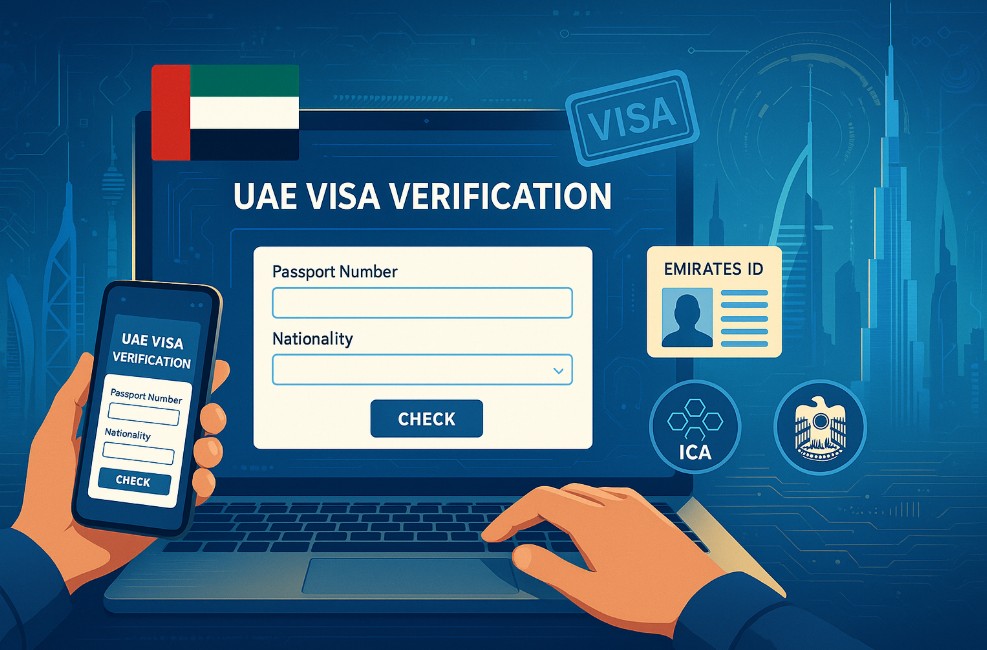
If you’re living or working in the UAE, one of the most essential things you need to stay on top of is your visa status. But do you know how to check visa validity in UAE without visiting an immigration office?
With advancements in online government portals and streamlined public services, it’s now easier than ever to check the status of your visa.
Whether you’re holding a residence visa, a visit visa, or an entry permit, this guide will walk you through every legitimate way to check your visa validity using official tools.
Knowing your visa’s expiration date is more than just a formality. It can help you avoid legal trouble, hefty fines, or unnecessary delays in travel or work.
In this blog, you’ll learn the correct way to check visa validity via the ICA and GDRFA systems, understand the requirements, and avoid common mistakes. Let’s begin your complete guide to staying compliant in the UAE.
Why Is It Important to Check Your UAE Visa Validity?
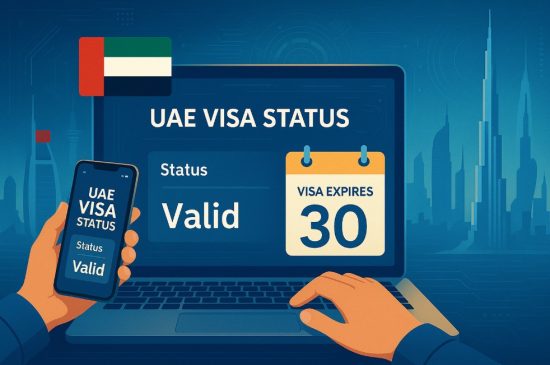
Checking your visa validity regularly in the UAE is crucial for maintaining legal status and avoiding unintended violations. Your visa determines your eligibility to stay, work, or travel in and out of the country. Ignorance of its expiration date could result in overstaying fines or potential bans.
If your visa expires, the consequences can include:
- Daily fines starting from AED 50
- Trouble renewing your visa
- Deportation for major overstays
- Denial of entry in future visits
Also, your Emirates ID is linked to your visa validity. If your visa is cancelled or expired, your Emirates ID automatically becomes invalid, affecting access to essential services like banking and healthcare.
For UAE residents and visitors alike, a visa status check ensures you’re planning your next steps like renewal or exit within legal limits. Remember, the UAE is strict with its immigration policies, so this one simple check can save you from costly mistakes.
Staying proactive about your visa status helps you travel stress-free, access local services seamlessly, and meet UAE regulations with confidence.
What Are the Official Methods to Check UAE Visa Validity?
In the UAE, checking visa validity is easier than ever thanks to digital platforms provided by two main government authorities: the Federal Authority for Identity and Citizenship (ICA) and the General Directorate of Residency and Foreigners Affairs (GDRFA).
The ICA platform is used for visas issued in Abu Dhabi, Sharjah, Ajman, Umm Al Quwain, Ras Al Khaimah, and Fujairah. The GDRFA is Dubai’s dedicated platform for handling visa matters specific to that emirate.
Here’s how you can check your visa using these methods:
- ICA Smart Services (for non-Dubai Emirates)
Access the official ICA portal. Use your passport number or Emirates ID to check the visa status, issue, and expiry dates. - GDRFA Dubai Portal (for Dubai visas only)
Visit the GDRFA site and use the “File Status Inquiry” or “Visa Status” sections. You will need your file number or application details.
Both portals are available in English and Arabic and are accessible from anywhere in the world. Make sure your information is accurate to get correct results.
With these official channels, checking your visa is fast, reliable, and hassle-free.
How to Check UAE Visa Validity Using ICA Smart Services?
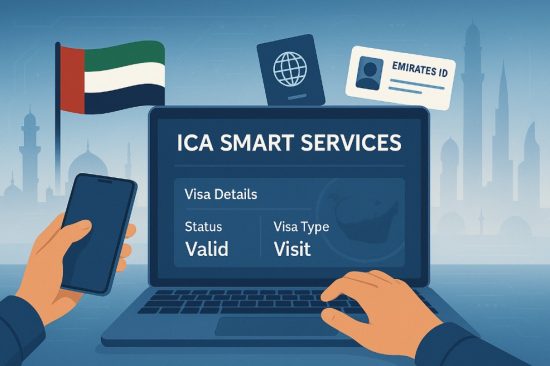
If your visa is issued in any emirate outside of Dubai, the ICA Smart Services platform is your official solution for visa status inquiries. Here’s how you can check your UAE visa validity using this method. You can easily access your visa information using ICA’s digital portal, designed for non-Dubai emirates.
Step-by-step Process
- Visit the official ICA website: https://icp.gov.ae
- Click on “Passport Information” under the Public Services section
- Choose “Residency” or “Visa” based on your visa type
- Enter your passport number and passport expiry date
- Select your nationality from the dropdown
- Complete the captcha verification and click Search
You will be shown your visa status, including its expiry and type.
Required information: Passport Number, Nationality, etc.
To proceed, you will need:
- Valid passport number
- Passport expiry date
- Your nationality
- Emirates ID (optional for some checks)
Benefits of Using ICA for Visa Validity Check
- Real-time visa details
- No login or registration needed
- Available globally, 24/7
- Supports different visa types (residence, visit, employment)
- Secure government-hosted platform
The ICA portal is your go-to for any emirate apart from Dubai. It offers a fast and transparent way to confirm your visa status.
How to Check Dubai Visa Validity via GDRFA Portal?
For Dubai-issued visas, the General Directorate of Residency and Foreigners Affairs (GDRFA) offers a dedicated service portal. This is the only official site for checking Dubai visa validity and related updates.
Whether you are a resident or visitor in Dubai, the GDRFA website provides a detailed and accurate way to verify your visa.
Step-by-step guide for the GDRFA website
- Go to the official GDRFA website: https://www.gdrfad.gov.ae
- Navigate to the “File Status Inquiry” section
- Choose between file type, passport number, or visa details
- Enter your details and complete the captcha
- Click Search to view your visa status
You will see the visa type, expiry date, and other personal details.
Requirements: Visa Number, Passport Details
To check, you’ll need:
- Passport number
- Nationality
- Year of birth
- Application or file number (if applicable)
- Visa reference number (optional in some cases)
Who Should Use GDRFA vs ICA?
- Use GDRFA if your visa was issued in Dubai only
- Use ICA if your visa was issued in any other Emirate
The GDRFA portal is ideal for Dubai residents and businesses looking for accurate and immediate visa updates.
Can You Check UAE Visa Validity with Passport Number Only?
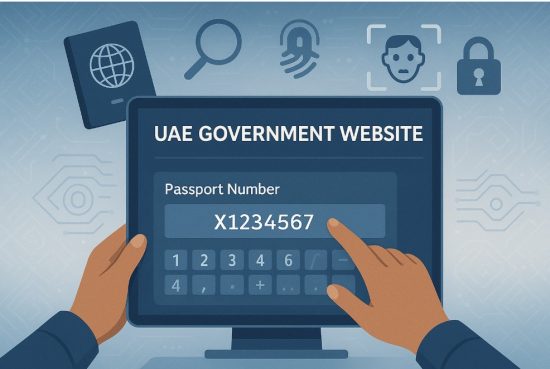
Yes, you can check your UAE visa status using just your passport number through both ICA and GDRFA platforms. This method is particularly useful if you don’t have access to your Emirates ID or file number.
Through ICA Smart Services, select “Passport Information” as the search method. You’ll enter your passport number, expiry date, and nationality. The system will display your visa details if they match the records.
GDRFA also allows passport-based inquiries under its “Application” or “Passport” sections. After inputting your passport number and personal details, you’ll receive an update on your visa’s status and expiry date.
This option is beneficial when:
- You’re outside the UAE
- You’ve misplaced your visa file number
- You’re applying for a status check on a visit visa
Ensure your passport details are accurate. Mistyped numbers may yield no results.
Always double-check the site you’re using—ICA is for non-Dubai Emirates while GDRFA is exclusive to Dubai.
What Details Can You Find When You Check Your UAE Visa?
When checking your UAE visa, the portals provide several key pieces of information that help you manage your legal stay in the country.
These details vary slightly between ICA and GDRFA systems but generally include:
- Visa issue date and expiry date: This tells you how long your visa is valid and when to renew or exit the country.
- Visa type and category: Indicates whether it’s a visit visa , employment visa, or residence visa.
- Nationality and full name: Ensures your identity matches the records.
- Linked Emirates ID (for residents): Gives insights into your Emirates ID status.
- Visa number or file number: Useful for tracking or renewing your visa in the future.
These details help you plan travel, avoid overstays, and update employer records. The portals ensure all this information is easily accessible and clearly displayed.
What to Do If Your UAE Visa Is Expired or About to Expire?
If your visa is expired or nearing expiration, it’s essential to act quickly to avoid fines and legal issues.
The UAE provides a grace period depending on the visa type:
- Visit/tourist visas: 10-day grace period
- Residence visas: 30-day grace period
You can take the following steps:
- Apply for a visa extension or renewal through ICA or GDRFA, based on where the visa was issued
- Exit the UAE before the grace period ends to avoid fines
- Pay overstay fines via official platforms or immigration counters if the grace period is missed
- Contact ICP or Amer Service for personal assistance
Letting your visa expire without taking action can lead to heavy daily fines and long-term immigration complications. Timely checking ensures you stay on the right side of the law.
UAE Visa Validity Check: Comparison Table of Services
To simplify your decision on which platform to use for your visa check, here’s a quick comparison between ICA and GDRFA services:
| Feature | ICA Smart Services | GDRFA Dubai Portal |
| Applicable Emirates | All except Dubai | Only Dubai |
| Supported Visa Types | Visit, Residence, Entry Permit | Residence, Visit, Entry Permit |
| Required Information | Passport number, expiry, nationality | Passport number, file/app number |
| Grace Period Information | Yes | Yes |
| Language Support | English, Arabic | English, Arabic |
| Available Outside UAE | Yes | Yes |
| Customer Support | 600522222 | 8005111 / +97143139999 |
Choosing the right platform ensures you get accurate results based on where your visa was issued.
Common Mistakes to Avoid When Checking Visa Validity in UAE
When checking your visa online, a few mistakes can lead to incorrect results or system errors.
To avoid this, keep the following in mind:
- Entering an incorrect passport number: Even a single-digit mistake will return invalid results
- Using expired passport details: Always use the current passport information when checking status
- Choosing the wrong platform: Use ICA for non-Dubai visas and GDRFA for Dubai visas
- Ignoring the captcha verification: If not completed, your request won’t be processed
- Not double-checking the expiry date: Make sure you know if the date shown is Gregorian or Hijri
Incorrect data or platform selection is the most common cause of confusion. By following the correct process, you can easily get accurate visa updates.
Conclusion
Understanding how to check visa validity in UAE is a critical step for residents, workers, and tourists. The UAE government has made it extremely convenient to verify your visa details through official portals like ICA and GDRFA. These tools are reliable, user-friendly, and can be accessed from anywhere.
Whether you’re planning a renewal or simply keeping tabs on your visa, regular checks ensure that you stay within the country’s legal framework. Don’t wait for a problem to arise. Stay updated, informed, and always compliant.
FAQs
How can I check if my UAE visa is still valid?
You can check your visa validity using your passport number on the ICA website or GDRFA portal, depending on where your visa was issued.
Can I use only my passport number to check my UAE visa?
Yes, both ICA and GDRFA platforms allow visa status checks using just your passport number and basic personal details.
What is the grace period after my UAE visa expires?
Visitors have a 10-day grace period and residents get 30 days after visa expiry to renew or exit the country.
How much is the fine for overstaying a UAE visa?
The fine is AED 50 per day after the grace period ends for both tourist and residence visas.
Can I check my visa from outside the UAE?
Yes, both ICA and GDRFA services are available online and can be accessed from any country.
What are the contact numbers for visa inquiries in the UAE?
For non-Dubai Emirates, call ICP at 600522222. For Dubai, contact Amer at 8005111 or +97143139999.
Do I need an Emirates ID to check my visa status?
No, an Emirates ID is not necessary. You can check your visa with passport number and nationality alone.