Have you ever been caught off guard by a low Salik balance while driving through Dubai’s toll gates? Do you wonder how to quickly check your Salik balance using your vehicle’s plate number?
Salik, Dubai’s electronic toll system, offers a seamless way to manage toll payments, but staying updated on your account balance is crucial to avoid disruptions and fines.
In this guide, we’ll walk you through the importance of checking your Salik balance and the simple methods available, including using your plate number.
Whether you’re a frequent commuter or an occasional traveler, these tips will help you stay prepared and manage your Salik account effectively. Ready to get started? Let’s dive in!
What is Salik?
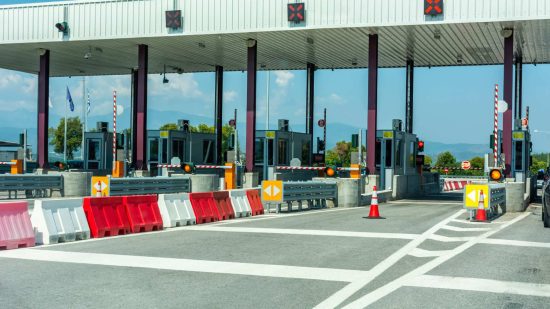
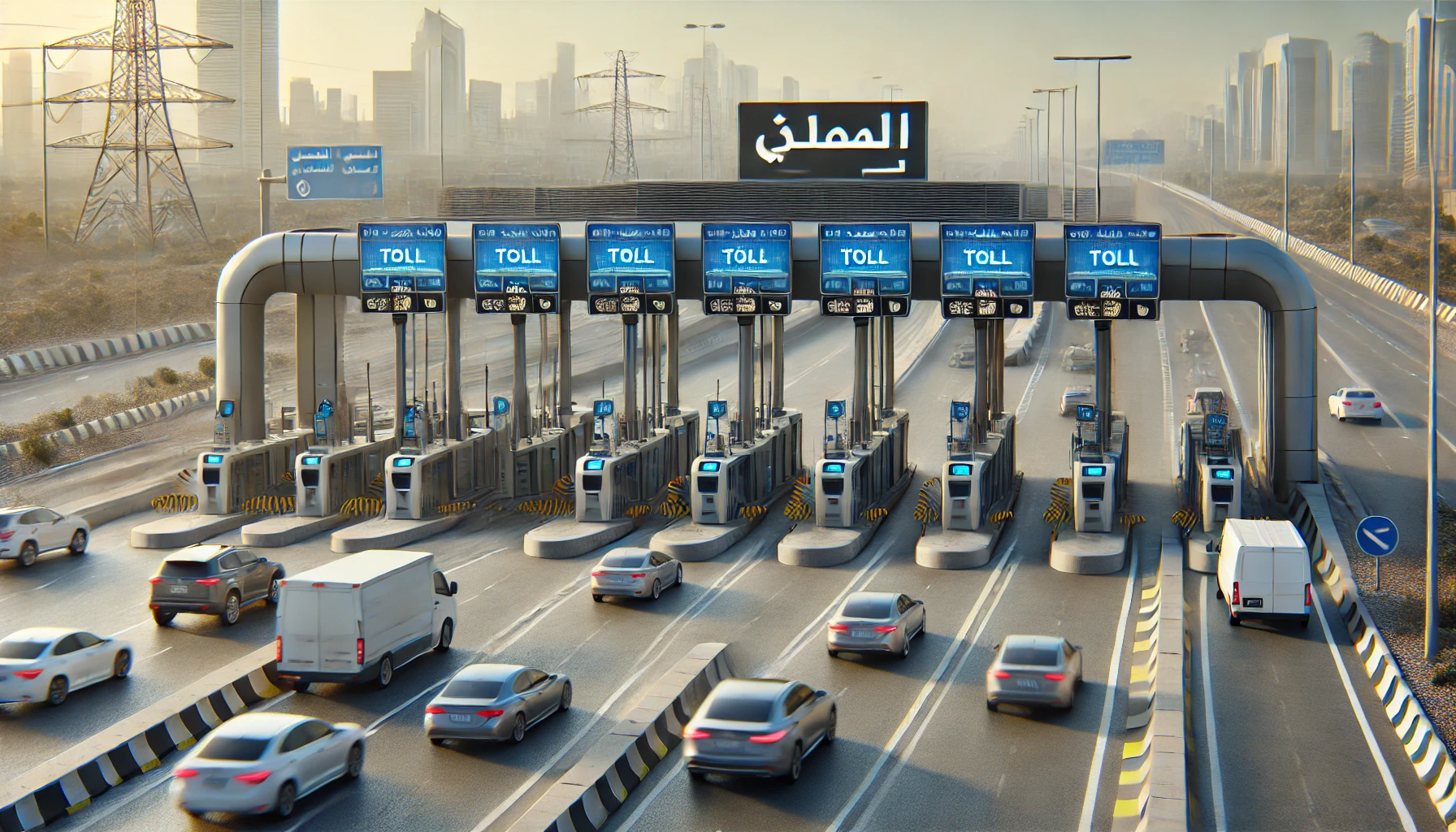
Salik is Dubai’s electronic toll collection system designed to streamline transportation across the city. Introduced by the Roads and Transport Authority (RTA) in 2007, Salik eliminates the need for physical toll booths, allowing vehicles to pass through designated toll gates seamlessly.
Every vehicle equipped with a Salik tag automatically deducts the toll amount as it crosses these gates, ensuring smooth and uninterrupted travel.
The Salik system operates on a cashless model, using Radio Frequency Identification (RFID) technology to detect the Salik tag attached to your vehicle.
This tag is linked to your Salik account, which tracks your toll usage and balance in real time. Currently, there are several toll gates across Dubai, strategically positioned to manage traffic flow efficiently.
Key Features of Salik
- Fully automated toll collection system.
- Eliminates the need for stopping at toll gates.
- Enables faster traffic flow and reduces congestion.
- Linked to your vehicle’s registration, ensuring seamless account management.
Salik is vital for maintaining traffic order in Dubai’s busy metropolitan areas. It simplifies commuting for residents and visitors while supporting the government’s vision of a smart transportation network. Keeping track of your Salik balance is essential to avoid disruptions during your journeys and maintain smooth road usage.
Why You Should Check Your Salik Balance Regularly?
Keeping track of your Salik balance is essential for ensuring a hassle-free driving experience in Dubai. The Salik toll system operates automatically, deducting charges as you pass through toll gates. If your balance is insufficient, you could face disruptions, fines, or penalties that can easily be avoided with proactive management.
Here’s Why Regular Balance Checks Matter:
- Avoid Unexpected Fines: When your Salik balance drops to zero, any further toll usage without recharging could lead to fines. Regularly checking your balance ensures that you’re aware of when a recharge is needed, saving you from unnecessary penalties.
- Ensure Smooth Travel: Insufficient balance can lead to account errors that might disrupt your journey. Regular monitoring helps you maintain enough funds in your account, ensuring smooth toll transactions every time you travel.
- Budget Management: Monitoring your Salik balance lets you track your toll expenses effectively. This is especially useful for regular commuters or businesses managing a fleet of vehicles, enabling better financial planning.
- Stay Informed About Toll Usage: Frequent checks allow you to see your toll gate usage patterns, helping you understand how much you spend on road tolls and identify cost-saving opportunities.
Best Practices for Regular Balance Checks
- Use the Salik mobile app for real-time updates.
- Set up alerts for low balances via SMS or email.
- Schedule a routine check, such as once a week or before long trips.
By staying on top of your Salik balance, you ensure uninterrupted travel while avoiding unnecessary stress and expenses. It’s a small habit that pays off in convenience and peace of mind.
What Are the Best Methods to Check Salik Balance by Plate Number?

Staying informed about your Salik balance is easier than ever with multiple user-friendly options available. Whether you prefer online tools, mobile apps, or traditional methods like SMS, you can check your Salik balance using your vehicle’s plate number quickly and conveniently. Below are the most effective methods to stay updated on your toll balance.
1. Salik Online Portal
The Salik online portal is a comprehensive platform for managing your account and checking your balance. Here’s how to use it:
- Step 1: Visit the official Salik website (salik.ae).
- Step 2: Log in using your account credentials. If you’re a new user, register by providing your vehicle and personal details.
- Step 3: Navigate to the account balance section.
- Step 4: Enter your plate number to view your current Salik balance.
2. Salik Mobile App
The Salik app provides real-time access to your balance and toll usage. It is available on both Android and iOS platforms.
- Download the Salik app from your device’s app store.
- Log in using your registered credentials.
- Select the balance inquiry option and input your plate number for instant details.
3. SMS or Call Center
Those who prefer simpler methods can check their balance using SMS or by contacting Salik’s customer service.
- SMS: Send your plate number to the designated Salik number at 5959, and you’ll receive your balance via text message.
- Call Center: Contact Salik’s helpline, provide your registered details, and request your balance.
| Method | Ease of Use | Response Time |
| Online Portal | Comprehensive | Instant |
| Mobile App | Real-time access | Instant |
| SMS/Call Center | Simple and quick | Few minutes |
Why Use Plate Number for Balance Checks?
- Ensures quick identification of your vehicle.
- Streamlines the process for users managing multiple vehicles.
- Reduces the need to remember Salik tag or account numbers.
These methods provide flexibility and convenience, making it easy to keep track of your Salik balance no matter where you are.
How to Recharge Salik Account?
Recharging your Salik account is straightforward and can be done through various methods to ensure uninterrupted travel through Dubai’s toll gates. Here’s a detailed look at how you can recharge and the associated limits.
1. Recharge Methods
- Salik Online Portal: Log in to your account at salik.ae and use a debit/credit card to top up.
- Salik Mobile App: Recharge directly from the app with just a few taps.
- Authorized Recharge Channels: Use kiosks, petrol stations, or Salik recharge cards available at retail outlets.
2. Minimum and Maximum Recharge Amounts
- Minimum Recharge: AED 50 per transaction.
- Maximum Recharge: AED 50,000 per transaction.
3. Recharge Fees
- There are no additional fees for recharges through official Salik channels.
4. Steps to Recharge
- Select your preferred method (portal, app, or kiosk).
- Enter your Salik account or tag number.
- Choose the recharge amount (within the permissible range).
- Complete the payment and receive confirmation instantly.
Maintaining sufficient balance is essential to avoid fines and ensure smooth toll gate crossings. Always recharge your account when your balance is low to stay prepared.
What Are the Common Salik Issues and Their Solutions?

While managing your Salik account is generally straightforward, you may encounter occasional challenges. Here are some common issues and their solutions:
1. Forgotten Login Credentials
If you’ve forgotten your username or password:
- Reset Online: Visit the Salik website and use the ‘Forgot Username’ or ‘Forgot Password’ options. Follow the prompts to reset your credentials.
- Contact Support: If online reset isn’t possible, reach out to Salik’s customer service for assistance.
2. Unregistered Plate Number Issues
If your vehicle’s plate number isn’t recognized:
- Verify Registration: Ensure your vehicle is registered with Salik. Log in to your account to check linked vehicles.
- Update Information: If unregistered, add your vehicle’s details through the online portal or mobile app.
- Seek Assistance: For persistent issues, contact Salik support.
3. Salik Account Errors
Experiencing discrepancies or errors in your account:
- Review Account Activity: Regularly monitor your account for unusual activity.
- Report Issues: Contact Salik support immediately to report and resolve errors.
Salik Contact Information
For further assistance, you can reach Salik through the following channels:
- Toll-Free Number (UAE): 800-SALIK (72545)
- International Contact: +971 4 2335000 or +971 4 2335005
- Email: customerservice@salik.ae
- Website: www.salik.ae
- Customer Happiness Centres: Visit one of the five centres across Dubai for in-person assistance.
By addressing these common issues promptly and utilizing the available support channels, you can maintain a seamless experience with your Salik account.
What Are the Best Tips to Manage Your Salik Account Effectively?
Managing your Salik account efficiently helps you avoid disruptions and ensures a seamless driving experience. Here are practical tips to stay on top of your Salik balance and usage:
- Set Up Auto-Recharge: Link your Salik account to a debit or credit card for automatic top-ups when your balance runs low. This ensures uninterrupted travel through toll gates without the need for manual recharges.
- Monitor Balance Regularly: Check your balance weekly via the Salik mobile app or online portal to avoid unexpected low-balance situations.
- Enable Notifications: Activate SMS or email alerts for low balances. These notifications remind you to recharge before your balance depletes.
- Maintain Accurate Account Details: Keep your contact and vehicle information updated to avoid issues with notifications or plate number mismatches.
- Plan Ahead for Long Trips: Ensure your Salik account has sufficient balance before embarking on long journeys or routes with multiple toll gates.
- Review Transaction History: Regularly check your account activity to monitor toll charges and identify any unusual transactions.
By following these tips, you can efficiently manage your Salik account, avoid fines, and enjoy a stress-free driving experience.
Conclusion
Staying updated on your Salik balance is essential for hassle-free travel across Dubai’s toll gates. By utilizing simple methods like the Salik online portal, mobile app, or SMS services, you can conveniently check your balance using your vehicle’s plate number.
Regularly monitoring your account ensures you avoid unexpected disruptions, fines, or penalties while helping you manage toll expenses efficiently.
With the tips shared in this guide, such as setting up auto-recharges and enabling notifications, you can take control of your Salik account and ensure a seamless driving experience. Start applying these methods today to keep your toll payments on track and enjoy smooth commutes across the city.
FAQs
What is the easiest way to check my Salik balance?
The Salik mobile app is the easiest option, providing real-time balance updates. Log in, navigate to the balance inquiry section, and enter your plate number for instant details.
Can I check my Salik balance without registering my plate number?
No, you must register your vehicle’s plate number with your Salik account to access balance details. This ensures accurate tracking of toll usage.
What happens if my Salik balance runs out?
If your balance runs out, you’ll still be charged for toll usage, but additional fines may apply. Recharge promptly to avoid penalties.
How often should I check my Salik balance?
Checking your balance weekly or before long trips is recommended to ensure you have sufficient funds for uninterrupted travel.
Is there a fee for checking my Salik balance?
No, Salik does not charge any fees for balance inquiries made via the portal, app, or customer service.
Can I link multiple vehicles to one Salik account?
Yes, you can link multiple vehicles to a single Salik account, making it easier to manage toll charges for your fleet.
How do I recharge my Salik account quickly?
You can recharge via the Salik app, online portal, or authorized recharge channels like kiosks, ensuring a swift top-up process.