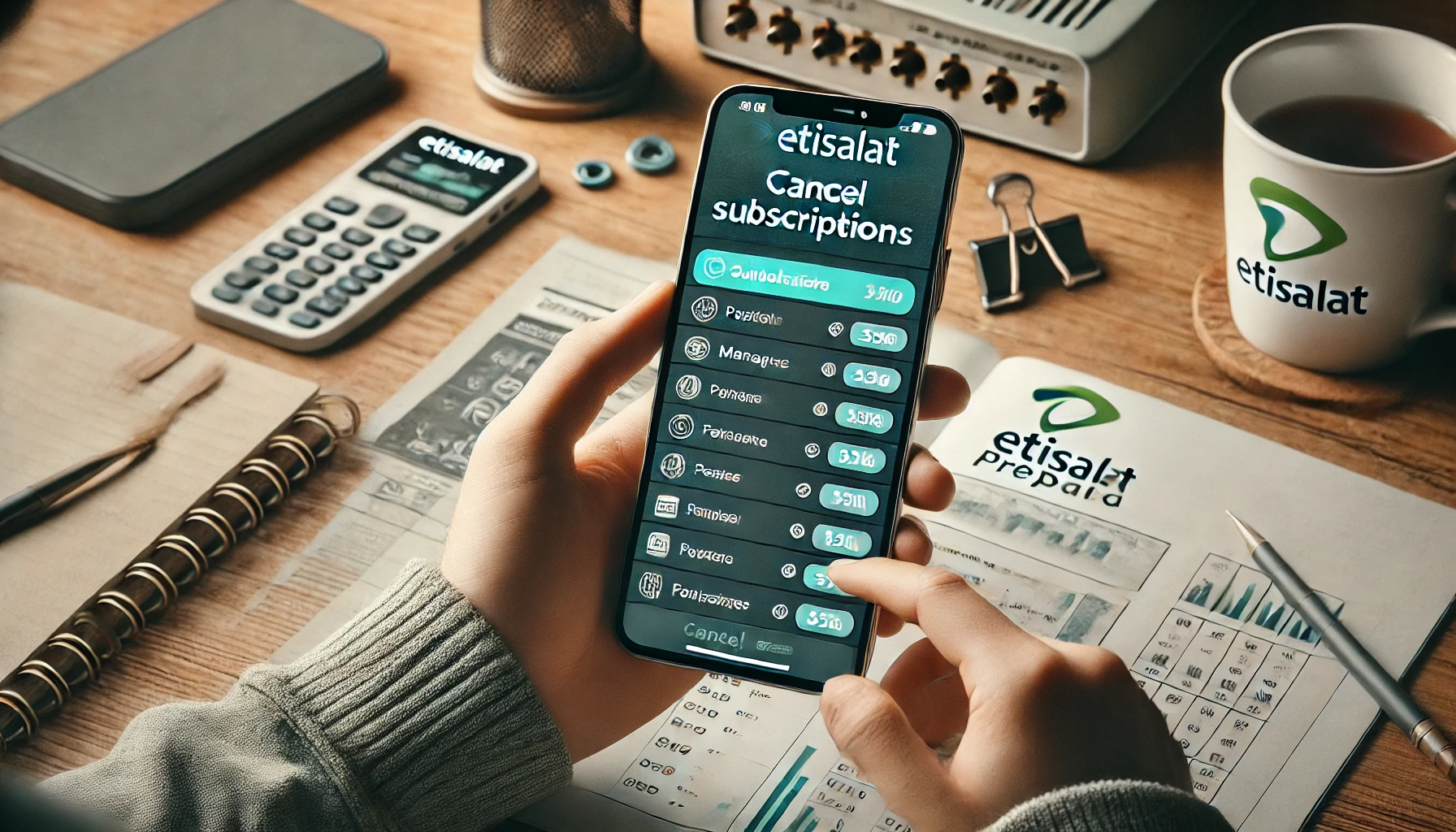
Are you tired of seeing your prepaid balance disappear due to unwanted subscriptions on Etisalat? Managing subscriptions on your mobile account can sometimes feel overwhelming, especially when services are activated without your consent or forgotten over time.
From premium content to auto-renewing data plans, these subscriptions can quickly add up, leaving you wondering how to regain control over your account. How can you identify which subscriptions are active, cancel them effectively, and avoid similar issues in the future?
This guide provides a step-by-step explanation to help you cancel all subscriptions on Etisalat prepaid. Whether you’re looking for a quick solution or aiming to prevent accidental activations, you’ll find all the answers you need right here. Ready to take charge of your Etisalat account? Let’s dive in!
What Is Etisalat?

Image – Source
Etisalat, officially known as Emirates Telecommunications Group Company PJSC, is one of the largest telecommunications providers in the Middle East, Africa, and Asia. Headquartered in Abu Dhabi, UAE, Etisalat offers a wide range of services, including mobile communication, internet services, fixed-line telephony, and digital entertainment solutions.
Key Features of Etisalat
- Global Presence: Operating in 16 countries, Etisalat serves over 150 million customers worldwide.
- Diverse Services: From prepaid and postpaid mobile plans to broadband internet and enterprise-level digital solutions, Etisalat caters to a broad audience.
- Innovative Technologies: Etisalat is a leader in adopting 5G networks and other cutting-edge telecommunication technologies in the UAE and beyond.
Whether you’re an individual looking for affordable prepaid plans or a business seeking advanced connectivity solutions, Etisalat provides services tailored to meet various needs.
Why Would You Need to Cancel Etisalat Subscriptions?
Managing prepaid mobile services is essential, especially when unnecessary subscriptions begin to drain your balance. Etisalat offers various add-on services, including caller tunes, data packages, and premium content subscriptions, which are sometimes activated unintentionally.
If left unchecked, these recurring services can lead to unwanted charges that eat into your prepaid credit without providing real value.
Here’s why canceling subscriptions might be crucial for you:
- Preventing Unnecessary Costs: Many users don’t realize they’re subscribed to services they no longer need, such as daily SMS bundles or data plans.
- Accidental Activations: In some cases, services are activated through ads, spam messages, or misclicks, creating unexpected expenses.
- Simplifying Account Management: Canceling unused subscriptions makes it easier to track your actual mobile usage and manage your prepaid account effectively.
By reviewing your subscriptions regularly and canceling the ones you don’t need, you can save money, avoid stress, and ensure that your prepaid balance is used for essential services only.
What Are the Different Types of Etisalat Subscriptions?
Etisalat offers a range of subscription services designed to cater to different customer needs, from entertainment to utility-based services. However, many users find themselves subscribed to plans they don’t need, either because they activated them unintentionally or forgot about them over time. Knowing the types of subscriptions available can help you better manage your account and avoid unnecessary charges.
Here’s an overview of the common types of Etisalat subscriptions:
- Data Plans: These include daily, weekly, or monthly data bundles, which automatically renew unless canceled.
- Entertainment Services: Subscriptions to streaming platforms like video-on-demand (movies, TV shows) or music streaming apps.
- Value-Added Services: Caller tunes, ringback tones, and premium SMS-based services often fall under this category.
- Promotional Subscriptions: Free trials that convert to paid plans if not canceled after the trial period.
- International Call Bundles: These offer discounted international calling minutes for specific regions.
Some of these services are highly useful, but others may not align with your needs. Understanding which category a subscription belongs to will help you decide whether to keep it or cancel it. Regularly reviewing your active services is a good practice to ensure your prepaid credit is used wisely.
How to Check Your Current Subscriptions on Etisalat Prepaid?

Before you cancel any subscriptions, it’s important to identify which services are currently active on your Etisalat prepaid account. Thankfully, Etisalat offers multiple ways to check your active Etisalat subscriptions, ensuring transparency and ease of management for its users.
Here are the most effective methods to check your subscriptions:
1. Using the USSD Code:
- Dial *123# or similar codes based on your region.
- A menu will appear displaying your active services and subscription details.
2. Through the My Etisalat UAE App:
- Download and log in to the app using your mobile number.
- Navigate to the “Services” or “Subscriptions” section to view all active plans.
3. Customer Service Assistance:
- Dial 101 to speak with Etisalat’s customer service team.
- Request a detailed overview of your current subscriptions, and they’ll provide guidance on how to manage or cancel them.
4. SMS Notifications:
- Send “Stop” or similar keywords to specific service numbers (e.g., 1010 or 1220) to receive details about your subscriptions.
By using these methods, you can get a clear picture of which services are consuming your prepaid balance. Knowing this information not only helps you decide which subscriptions to cancel but also ensures you have better control over your account moving forward.
How to Cancel All Subscriptions on Etisalat Prepaid?
If you’ve identified unnecessary subscriptions draining your prepaid balance, the next step is to cancel them. Etisalat provides several convenient ways to deactivate all or specific services, ensuring you can stop unwanted charges with minimal effort. Here’s a detailed guide to help you cancel all subscriptions:
1. Cancel via USSD Code
- Dial the universal deactivation code: *123*1#.
- Follow the on-screen instructions to unsubscribe from all services.
- You’ll receive a confirmation message once the cancellation is successful.
2. Cancel through the My Etisalat UAE App
- Open the app and log in using your Etisalat number.
- Go to the “Subscriptions” section and review active services.
- Select the subscriptions you want to cancel and follow the prompts.
3. Contact Etisalat Customer Service
- Call 101 and speak to a customer service agent.
- Request them to cancel all subscriptions on your number. They may verify your identity before proceeding.
4. SMS-Based Cancellation
- Send an SMS with the keyword “STOP ALL” to a specific Etisalat service number like 1012.
- You’ll receive a reply confirming the deactivation process.
Each of these methods is designed to give you control over your prepaid account. Once the cancellations are processed, keep an eye on your account for any remaining services that might not have been removed and reattempt the steps if needed. This proactive approach ensures your balance is only used for what truly matters to you.
How to Use Etisalat’s Deactivation Code?
Etisalat’s deactivation code is one of the easiest ways to unsubscribe from all active services on your prepaid account. Whether you’ve unknowingly subscribed to multiple services or want to reset your account to avoid unnecessary charges, this method offers a quick solution.
Steps to Use the Deactivation Code
1. Dial the Code
- Enter the universal deactivation code, *123*1#, on your phone’s dialer.
- Press the call button to initiate the process.
2. Follow the Instructions
- A menu will appear listing the options to unsubscribe.
- Select the option to cancel all active subscriptions or specific services based on your preference.
3. Confirm the Cancellation
- After making your selection, confirm the action as prompted.
- You will receive an SMS confirming that your subscriptions have been deactivated.
4. Important Tips
- Ensure that your phone has sufficient network coverage before using the deactivation code.
- If the deactivation code does not work, contact Etisalat customer service by dialing 101 for assistance.
- Check your account balance and subscriptions again after a few minutes to verify the cancellation.
Using the deactivation code is a reliable method for managing your prepaid account. It’s fast, efficient, and helps you take full control over your active services without the need for lengthy interactions with customer service representatives.
Can You Cancel Specific Subscriptions Instead of All?

Yes, Etisalat allows you to cancel specific subscriptions rather than deactivating all services on your prepaid account. This option is particularly useful if you wish to retain essential services like data plans or international call bundles while removing non-essential or unused subscriptions.
Steps to Cancel Specific Subscriptions
1. Check Your Active Subscriptions
- Use the USSD code *123# or access the My Etisalat UAE App to view your current subscriptions.
- Identify the specific services you wish to cancel.
2. Unsubscribe via SMS:
- Most subscriptions can be canceled by sending a specific keyword (like “STOP” or “CANCEL”) to a designated service number, which you can find in the app or Etisalat’s help center.
- For example: Send “CANCEL” to 1012 for some premium services.
3. Cancel via My Etisalat UAE App
- Log in to the app and navigate to the “Subscriptions” section.
- Select the service you no longer need and follow the prompts to deactivate it.
4. Call Customer Support
- Dial 101 to speak with Etisalat’s customer service representatives.
- Provide the name or details of the subscription you wish to cancel, and they will handle it for you.
Important Points to Note
- Ensure you cancel only the services you no longer need to avoid disrupting essential features like data or calling services.
- Some promotional plans may require manual cancellation via customer support if a standard SMS or app option doesn’t work.
By following these steps, you can customize your prepaid account to fit your needs and avoid unnecessary charges while retaining essential services.
What to Do If You Still Face Issues Cancelling Subscriptions?
Sometimes, even after following the standard steps to cancel subscriptions, you may encounter issues where certain services remain active or charges continue to reflect on your account. If this happens, don’t worry—there are several effective ways to resolve the problem.
Steps to Resolve Subscription Cancellation Issues
1. Verify Active Subscriptions Again
- Use the USSD code *123# or the My Etisalat UAE App to double-check your active subscriptions.
- Ensure that all unwanted services have been successfully removed.
2. Contact Etisalat Customer Support
- Dial 101 or visit your nearest Etisalat store to report the issue.
- Provide details such as the specific service name and any confirmation messages you received during the cancellation process.
- The support team can manually deactivate the subscription for you.
3. Submit a Complaint
- If the problem persists, lodge a formal complaint via the My Etisalat UAE App or the official website.
- Track your complaint to ensure it is resolved within the given timeline.
4. Request Refunds (If Applicable)
- For subscriptions canceled late or services activated without your consent, ask for a refund of the deducted amount.
- Keep a record of your SMS logs or app activity as proof of your cancellation attempts.
5. Block Premium Services
- To prevent future activation issues, request Etisalat to block premium services or promotional subscriptions on your number.
Why This Happens?
Issues with cancellations often occur due to system delays, incomplete steps during the cancellation process, or activation of subscriptions through third-party services.
By addressing these issues promptly and contacting the appropriate Etisalat channels, you can ensure your account remains free of unwanted services and charges.
How to Avoid Unwanted Subscriptions in the Future?

Unwanted subscriptions can be frustrating, especially when they result in unexpected deductions from your prepaid balance. Taking proactive steps to prevent accidental activations or unauthorized subscriptions can save you money and ensure better control over your Etisalat account.
Tips to Avoid Unwanted Subscriptions
1. Block Premium Services: Contact Etisalat customer service or use the My Etisalat UAE App to request a block on premium services. This prevents services like premium SMS or paid ads from activating subscriptions on your number.
2. Be Cautious of SMS Links and Ads: Avoid clicking on promotional links sent via SMS or displayed in online ads. These often lead to subscription activations.
3. Use USSD Codes Carefully: When dialing USSD codes for balance checks or service activations, double-check the options you select to avoid accidental subscription activation.
4. Disable Automatic Renewals: For recurring services like data plans or caller tunes, opt out of auto-renewal by using the cancellation codes provided during activation.
5. Monitor Your Account Regularly: Use the USSD code *123# or the My Etisalat UAE App to frequently review active subscriptions and cancel unnecessary ones promptly.
6. Avoid Free Trials You Don’t Need: Free trials often convert into paid subscriptions after the trial period. Cancel them before they renew automatically.
Why Prevention is Key?
While canceling subscriptions is possible, preventing unwanted activations is far more convenient. It reduces the hassle of dealing with customer service, protects your balance, and ensures your prepaid account is used only for the services you genuinely need.
By adopting these simple practices, you can stay in control of your Etisalat prepaid account and avoid any surprises in your balance.
Is Cancelling Subscriptions on Etisalat Prepaid Worth the Effort?
For many Etisalat prepaid users, managing subscriptions might seem like a hassle. However, taking the time to cancel unwanted or unnecessary subscriptions can save you a significant amount of money and prevent recurring deductions from your balance. Let’s explore why it’s worth the effort.
Key Reasons to Cancel Subscriptions:
1. Save Money: Many subscriptions renew automatically and deduct fees from your balance, even if you’re not actively using the service. Canceling them ensures your prepaid credit is used only for essential services.
2. Avoid Frustration: Unchecked subscriptions can result in surprise deductions, leaving you confused and frustrated when your balance depletes faster than expected.
3. Simplify Account Management: Managing fewer active services makes it easier to track your expenses and focus on services that truly add value, such as data plans or international call bundles.
4. Take Back Control: Many users find themselves unknowingly subscribed to services through ads, spam messages, or promotions. Canceling subscriptions puts you back in charge of your prepaid account.
Why Some Users Hesitate?
- Lack of awareness about active subscriptions or how to cancel them.
- Concerns about disrupting essential services while deactivating others.
Is It Truly Worth It?
Absolutely! The small effort required to cancel unnecessary subscriptions pays off in the long run by saving money, avoiding unexpected deductions, and ensuring your prepaid balance is used wisely. Plus, Etisalat offers multiple ways such as USSD codes, apps, and customer support—to make the process simple and user-friendly.
By regularly reviewing and managing your subscriptions, you can enjoy a seamless prepaid experience without the worry of hidden charges.
Conclusion
Managing your Etisalat prepaid subscriptions is essential to avoid unexpected charges and make the most of your balance. By identifying active subscriptions, using deactivation codes, or leveraging the My Etisalat UAE App, you can cancel unwanted services quickly and efficiently.
Taking these steps not only saves money but also ensures your account is streamlined and free from unnecessary distractions.
Additionally, adopting preventive measures, like blocking premium services or avoiding accidental activations, can help you maintain control over your prepaid account in the long term.
Canceling subscriptions may seem like a small effort, but its impact on your budget and peace of mind is significant. Take action today and enjoy a hassle-free Etisalat experience!
FAQs
How do I confirm that my subscriptions have been canceled?
You can confirm by dialing *123# or checking the My Etisalat UAE App. A list of active subscriptions will show if any services are still active.
Does canceling subscriptions affect my prepaid balance?
Canceling subscriptions only stops future deductions. Your remaining prepaid balance will not be impacted during the cancellation process.
Can I reactivate a canceled subscription later?
Yes, most subscriptions can be reactivated at any time through the My Etisalat UAE App, USSD codes, or by contacting customer service.
What should I do if USSD codes or the app doesn’t work?
If the codes or app fail, contact Etisalat customer service by dialing 101. They will assist in canceling subscriptions manually.
Is there a fee for canceling subscriptions on Etisalat?
No, Etisalat does not charge users for canceling their subscriptions. It’s a free service offered to manage your account.
What happens to unused data or services after cancellation?
Once a subscription is canceled, unused data or services tied to that plan are usually forfeited, so plan your cancellations carefully.
How can I block premium services permanently?
Contact Etisalat customer service or use the My Etisalat UAE App to request a block on all premium services and unwanted activations.