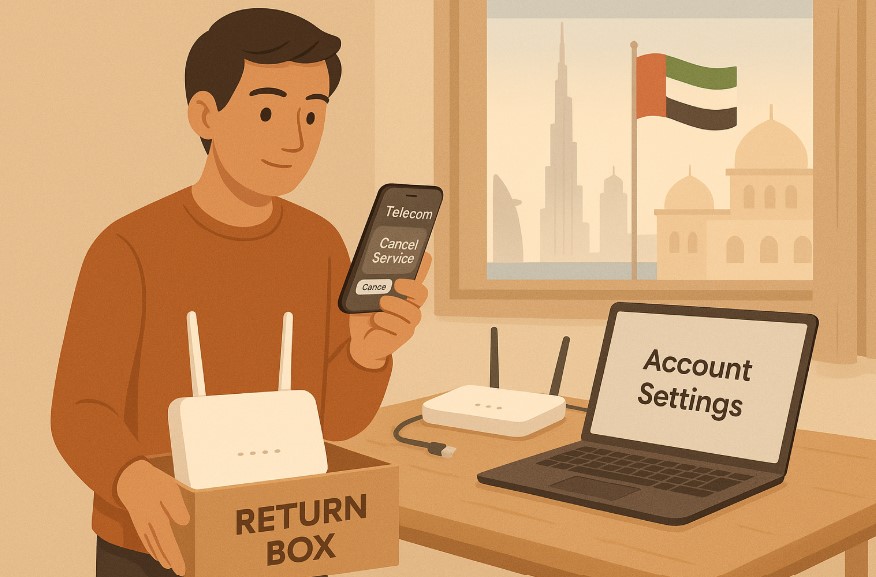
Thinking of cancelling your Du home internet service in the UAE? Whether you’re relocating, switching providers, or simply cutting back on expenses, cancelling a telecom service can feel like a complicated task.
But with the right steps and understanding, it doesn’t have to be. Du, one of the top telecommunications providers in the UAE, offers multiple ways to discontinue your home internet, but there are key things you need to know to avoid unexpected charges or delays.
In this guide, you’ll find everything you need to cancel Du home internet quickly and smoothly. We’ll explore the reasons why customers choose to cancel, the necessary requirements, the process involved, cancellation methods, and what happens afterward. Let’s help you take control of your internet service with confidence.
Why Might You Want to Cancel Du Home Internet?
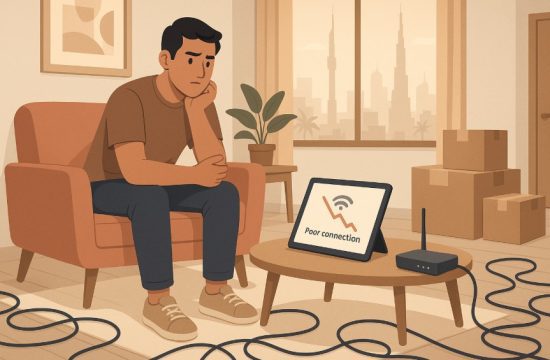
There are several valid reasons why you might be considering ending your Du home internet service. One of the most common is relocation, especially for expats in the UAE who move frequently due to job changes or personal commitments.
In other cases, users cancel to switch to another internet provider offering better packages, faster speeds, or more affordable pricing. Some people cancel due to technical concerns. If you’ve experienced frequent disconnections, slow internet speeds, or poor customer service, it can be frustrating enough to prompt a change.
Others may simply no longer need the service due to lifestyle changes such as travelling for extended periods or using mobile data as a primary internet source.
Cost-cutting is another major factor. With ongoing financial responsibilities, some customers re-evaluate their monthly expenses, including telecom subscriptions. Cancelling Du home internet can be a strategic decision if you’re looking to trim your budget.
In the end, the goal is to ensure your internet service meets your needs, and cancelling is just one of the many options to consider.
What Are the Requirements to Cancel Du Home Internet?
Before initiating the cancellation process, Du requires a few specific conditions to be fulfilled to ensure a seamless experience. Knowing these in advance helps you avoid delays and additional charges.
What Documents and Information Are Required?
- Valid Emirates ID for identity verification
- Your Du account number
- Registered mobile number linked to your Du account
What Are the Financial Requirements?
- All outstanding dues must be cleared
- The current month’s rental must be paid in full
- If you’re within your contract period, a one-month rental fee will be charged
- Remaining router installments (if applicable) must be paid
- No router charge if you didn’t opt for a new router under Du’s recent home plans
Once you meet these conditions, you can proceed to submit your cancellation request through one of the official methods. Having this information ready helps ensure that your cancellation will be processed without unnecessary interruptions.
How Can You Start the Du Internet Cancellation Process?
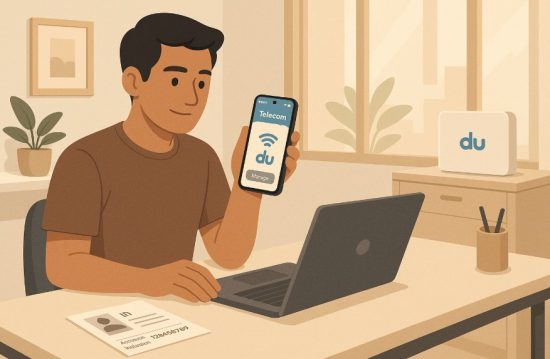
Starting the cancellation process with Du is relatively straightforward if you follow the proper steps and use the right channels.
Step-by-Step Guide:
- Check Your Billing Status: Log into the Du app or website to verify there are no unpaid bills. Settle all pending charges before proceeding.
- Gather Your Documents: Make sure you have your Emirates ID, Du account number, and the registered mobile number.
- Call Du Helpline: Dial “155″ and select the cancellation option via the Interactive Voice Response (IVR) system.
- Verification: A Du representative will confirm your identity and guide you through the rest of the process.
Important Tips:
- Choose a time during non-peak hours for quicker service
- Keep a record of the cancellation request for reference
- Monitor your SMS or email for confirmation updates
Following these steps will make the process efficient and minimize the chances of unexpected errors.
What Are the Available Methods to Cancel Du Home Services?
Du offers several options to request service cancellation, giving you the flexibility to choose what suits you best.
- Through the Du Helpline: Call 155 and use the IVR option to initiate your request without waiting for an agent.
- In-Person at a Du Store: Visit the nearest Du store with your Emirates ID. This method allows direct support and confirmation.
- Online via Du Website or App: Log into your Du account at du.ae or use the Du app to check account details, clear dues, and request cancellation.
- Customer Support Portal: Visit the Du support portal and submit a disconnection request form if available. A representative will follow up with confirmation.
By selecting the most convenient method, you ensure a smoother and quicker cancellation process.
What Are the Charges for Cancelling Du Internet Early?
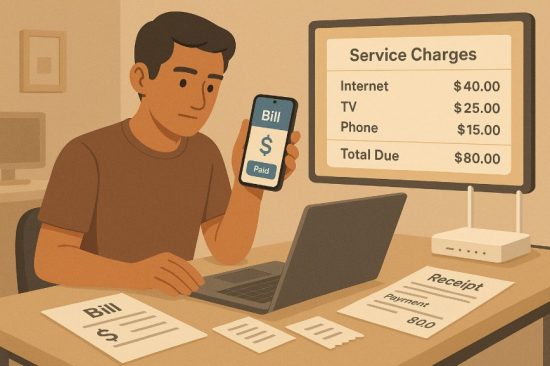
If you’re cancelling your Du home internet during the contract period, there are specific fees and policies you should know.
These charges ensure that Du recovers the cost of subsidised hardware and service benefits provided during your contract term.
| Fee Type | Applicable Amount |
| Early Termination Fee | One month’s rental |
| Current Month’s Rental | Must be paid in full |
| Remaining Router Installments | Payable in full if router was financed |
| Router Charge (if not on plan) | Not applicable |
These charges may vary depending on your contract type. To avoid them, consider timing your cancellation near the end of your agreement or checking if you’re eligible for any exemptions.
How Long Does It Take to Disconnect Du Home Internet?
The disconnection process doesn’t take too long, but it can vary depending on the cancellation method you use and how promptly the required steps are completed.
Disconnection Timelines:
| Method | Approximate Time to Disconnect |
| Call to 155 | Within 1 to 2 working days |
| In-Store Visit | Same day if done before 3 PM |
| Du App/Website | 1 to 3 working days |
Keep in mind that if any dues are pending or documents are incomplete, the process may be delayed. Always confirm your cancellation by checking your registered email or SMS for a service termination notice.
What Should You Do After Cancelling Your Du Internet?
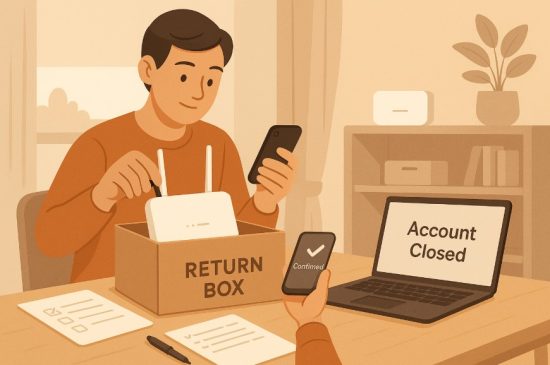
After the cancellation process is complete, a few actions remain to fully close your service relationship with Du and ensure no unexpected charges.
Checklist After Cancellation:
- Return Equipment: If you received a router or modem from Du, return it to the nearest store unless otherwise instructed.
- Check for Final Billing: Log into your account to verify the final bill and ensure all charges are settled.
- Request Confirmation: Keep the cancellation confirmation email or SMS as proof for future reference.
- Monitor Your Bank Account: Confirm that no recurring charges are made after the disconnection.
- Remove Autopay Settings: Disable any automated payments linked to your Du account from your bank or wallet.
These simple steps help ensure a smooth closure of your account and protect your finances post-cancellation.
What Are Some Common Issues Users Face When Cancelling?
While Du’s cancellation process is generally smooth, users occasionally encounter issues that can delay or complicate disconnection. Being aware of these can help you avoid them.
Common Issues and Fixes:
- Pending Dues Not Settled: Always clear your outstanding bills first. Use the Du app to check and pay.
- Missing Equipment Return: Unreturned routers or modems can result in extra charges. Return them promptly.
- Incomplete Documentation: Ensure all required documents like Emirates ID and account number are ready.
- Verification Delays: Keep your registered mobile handy to receive confirmation codes and calls.
- No Confirmation Message: If you don’t receive a confirmation, follow up with Du support immediately.
Understanding these potential obstacles helps ensure you’re fully prepared for a smooth service termination.
Conclusion
Cancelling Du home internet in the UAE doesn’t have to be a stressful experience if you’re prepared. By understanding the reasons for cancellation, meeting the necessary requirements, choosing the right method, and taking essential post-cancellation steps, you can complete the process quickly and without complications.
Always ensure you’ve cleared any outstanding dues, returned equipment, and documented your disconnection for future reference.
Whether you’re moving, switching providers, or cutting down on expenses, knowing exactly how to cancel Du home internet allows you to make informed decisions. Use this guide as your step-by-step resource to make the transition as smooth as possible.
FAQs
Can I cancel Du home internet before the contract ends?
Yes, but you will need to pay early termination fees including one month’s rental and any remaining router payments.
Do I need to visit a Du store to cancel my internet?
No, you can call 155 or use the Du app or website to submit a cancellation request.
How do I return my Du router or equipment?
You can drop it off at the nearest Du store or follow instructions given by Du after your cancellation request.
Is there a fee to cancel Du after the contract ends?
If your contract has ended and dues are cleared, no cancellation fee is typically charged.
How do I know if my cancellation is complete?
Du will send you a confirmation message via SMS or email once the disconnection is processed.
What if I want to cancel due to poor service quality?
You can raise a service issue with Du before cancelling. In some cases, they may waive the termination fee.
Can I pause instead of cancelling my Du home internet?
Yes, Du may allow temporary suspension depending on your plan. Contact support to explore this option.