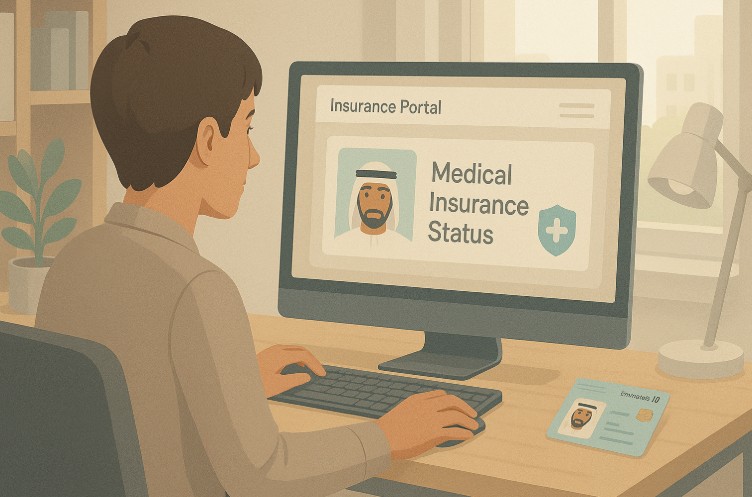
Have you ever wondered if your medical insurance in the UAE is still active or properly linked to your Emirates ID? With healthcare regulations evolving rapidly, your Emirates ID has become the core link to your medical coverage.
In the UAE, residents are legally required to have valid health insurance, and the Emirates ID plays a crucial role in managing this requirement. From hospitals and clinics to pharmacies, this ID acts as your digital access card to healthcare benefits.
Checking your medical insurance status using your Emirates ID is not only smart but also essential. Whether you’re using an online portal, a mobile app, or making a simple phone call, this process ensures you’re not left vulnerable during emergencies. In this blog, we’ll walk you through the most efficient and up-to-date ways to verify your medical insurance status with your Emirates ID in just a few steps.
What Is the Role of Emirates ID in Health Insurance in the UAE?
In the UAE, the Emirates ID is not just a form of identification. It is a key document that connects residents with government services, including healthcare. Since 2017, insurance companies have been digitally linking policies to the Emirates ID, simplifying access and verification.
Using your Emirates ID for health insurance enables:
- Instant verification at clinics and hospitals
- Replacement of traditional insurance cards
- Easy access to digital health records
Your Emirates ID ensures seamless communication between insurance providers and healthcare networks. This digital integration reduces paperwork and simplifies medical claim processes. For residents, it means quicker service, fewer complications, and improved security in accessing healthcare.
This integration reflects the UAE’s commitment to building a smart, connected, and efficient healthcare system that prioritises accessibility and ease of use for all residents.
How Do You Check Medical Insurance Status with Emirates ID Online?
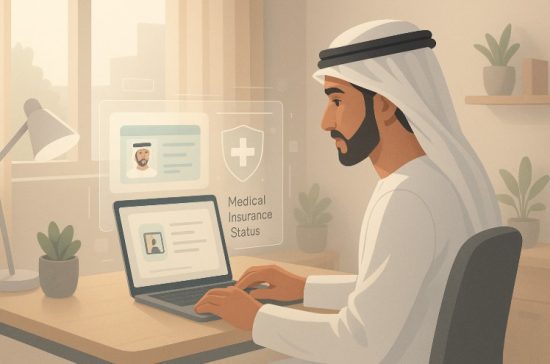
Online portals are among the fastest and most efficient ways to check your insurance status. Most insurance companies in the UAE provide a dedicated webpage for policyholders to confirm their coverage using their Emirates ID.
Steps to Check Insurance Status Online
- Go to the official website of your medical insurance providerTop 10 Medical Insurance Companies in Dubai
- Find the section labelled “Check Insurance Status” or “Policy Inquiry”
- Enter your Emirates ID number in the input field
- Click on “Submit” or “Search”
- View your health insurance policy details and status
What Details You Can View?
- Name of the policyholder
- Insurance policy number
- Type of plan (individual, family, corporate)
- Validity dates
- Covered services and exclusions
Online checks are especially helpful for busy professionals who need to quickly confirm their insurance details for visa renewals or doctor visits. Knowing your coverage status at a glance provides peace of mind and ensures you are always prepared for medical needs.
Can You Use a Mobile App to Check Your Medical Insurance Status?
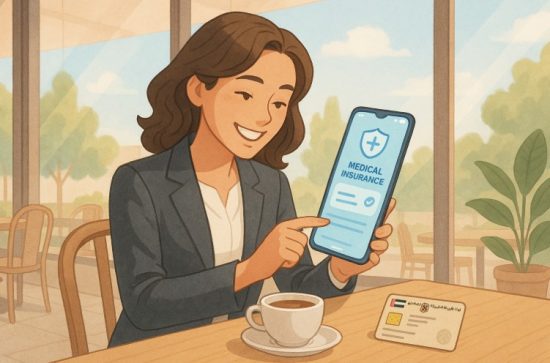
Yes, many insurance providers offer mobile apps for users to check their insurance status with just a few taps. These apps are available for both Android and iOS platforms, offering convenience anytime, anywhere.
Downloading and Accessing the App
- Visit the App Store or Google Play
- Search for your insurer’s app (e.g., Daman, Sukoon, Takaful Emarat)
- Download and install the application
- Log in using your Emirates ID or register an account if you’re a new user
Features You Can Access Through the App
- Check your current policy status
- View coverage details and limits
- Access your digital health card or e-card
- Track past claims and payment history
- Find network hospitals and clinics
Mobile apps also allow you to receive notifications about upcoming policy expiry, reminders for renewal, and even wellness tips. These features make mobile apps an essential tool for policyholders seeking fast and efficient insurance management. Once registered, you’ll always have access to your insurance status from the palm of your hand, anytime you need it.
Is It Possible to Check Your Insurance Status by Calling Customer Service?
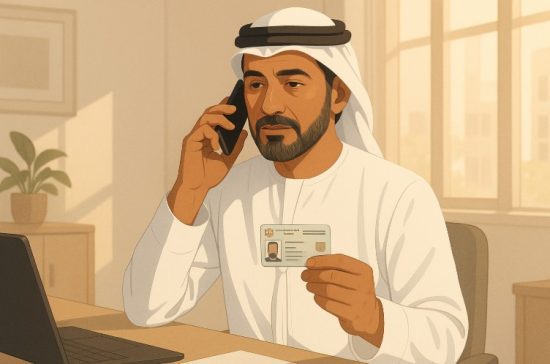
Yes, a phone call remains a reliable method if you prefer speaking directly with a customer service agent. This approach is especially helpful for those who aren’t comfortable with technology or face issues with app or website access.
Steps to Follow When Calling:
- Call your insurance provider’s customer service hotline (listed on their website or policy documents)
- Provide your Emirates ID number and answer any verification questions
- Request an update on your medical insurance status
- Take note of any coverage expiry, network limitations, or necessary follow-ups
Representatives can also help in troubleshooting issues like policy linkage errors or pending document submissions. Make sure to call during working hours to ensure immediate assistance. This method ensures accurate, up-to-date information while offering personal support for any concerns or doubts you may have about your coverage.
Which UAE Insurance Companies Let You Check Status with Emirates ID?
Most leading insurance providers in the UAE now offer Emirates ID-based policy verification tools. These platforms ensure you can always access your health details, whether online, via mobile apps, or over the phone.
Insurance Providers Offering Status Check with Emirates ID
| Insurance Company | Status Check Platforms |
| Daman | Website, Mobile App, Call Centre |
| Sukoon Insurance | Mobile App, Online Portal, Customer Support |
| Takaful Emarat | App, Web, Call Support |
| RAK Insurance | Website, Email Support |
| Orient Insurance | Web-based Portal |
| Noor Takaful | App, Hotline, Website Login |
These companies have streamlined their services, giving you instant access to policy updates using just your Emirates ID. It’s wise to check with your specific insurer for platform availability and features to make sure you’re using the most accurate method.
How Is Your Medical Insurance Linked to Your Emirates ID?
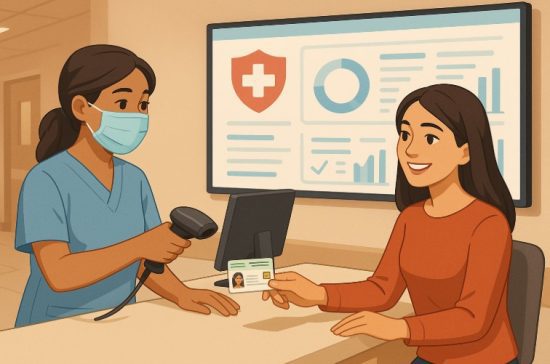
Your Emirates ID is digitally linked to your insurance through a secure system established by the UAE’s healthcare and insurance regulators. This connection ensures real-time access to your policy details at any approved medical facility.
When you visit a hospital, your ID is scanned using a card reader that instantly retrieves your insurance data. This data includes your plan type, covered benefits, and validity.
This linking process:
- Reduces the need for physical insurance cards
- Enhances claim approval speed
- Simplifies identity verification for medical billing
Healthcare providers across the UAE have adopted this system, ensuring that regardless of where you receive treatment, your health records and insurance coverage are easily accessible through your Emirates ID.
What Are the Steps to Link Your Health Insurance to Emirates ID?
Linking your insurance policy to your Emirates ID is crucial to access seamless healthcare services across the UAE. This process ensures you can use your ID instead of a separate health card.
Step-by-Step Guide:
- Apply for an Emirates ID: Submit your ID application to the Federal Authority for Identity and Citizenship.
- Purchase Health Insurance: Use your Emirates ID application form to apply for a policy.
- Receive a Health Coverage Certificate: This document confirms your health insurance approval.
- Send Linking Request: Email your Emirates ID number and policy details to your insurance provider.
- Receive Confirmation: You’ll get an SMS or email once the linking is complete.
Completing this process ensures that your health records and insurance status are centrally stored and easily retrievable by all UAE healthcare providers.
Can Your Emirates ID Replace a Traditional Health Insurance Card?
Absolutely. In most cases, your Emirates ID now fully replaces the traditional medical insurance card across clinics and hospitals in the UAE. Facilities are equipped with ID scanners that pull up your policy instantly.
When to Use Your Emirates ID?
- During hospital admissions
- At pharmacy counters for medication
- When visiting general practitioners or specialists
Backup Options in Case of Technical Issues?
It’s smart to:
- Keep a digital copy of your insurance card (e-card) on your mobile
- Request a physical e-card from your provider if needed
- Keep screenshots of your latest policy information
Using your Emirates ID reduces the chances of misplacing insurance cards and enhances data security across medical institutions.
What Should You Do If Your Emirates ID Isn’t Showing Your Insurance Status?
Sometimes, your Emirates ID might not reflect your active insurance status due to delays or errors in linking. This can be resolved with a few simple actions.
Action Steps to Resolve the Issue:
- Contact your insurer immediately to verify the policy linkage
- Re-send any required documents, like the Emirates ID copy and policy number
- Request re-linking confirmation and timeline for update
You can also temporarily use your insurance e-card for any medical services until the issue is resolved. Keep a copy of your payment receipt or policy certificate for emergencies. Keeping your information updated helps avoid delays during medical emergencies or visa procedures.
Why Is It Important to Keep Your Insurance Status Updated?
Maintaining an accurate and active health insurance status is more than a legal requirement. It ensures uninterrupted access to essential medical services.
Risks of Not Updating Your Insurance Status:
- You may be denied medical treatment
- Delays in employment or visa processing
- Risk of out-of-pocket expenses during emergencies
By regularly checking your status using your Emirates ID, you safeguard your well-being and meet legal obligations. Insurance providers make this process quick and hassle-free, encouraging users to stay informed and proactive. A few minutes of your time can save you from complications when it matters most.
Conclusion
In a rapidly digitising UAE healthcare system, your Emirates ID is more powerful than ever. It links you directly to your health insurance coverage, making it simpler to manage, verify, and update your medical protection. Whether you’re checking through a website, mobile app, or by phone, the process of confirming your health insurance status is efficient, fast, and reliable.
By learning how to check your medical insurance status with Emirates ID, you gain full control over your healthcare readiness. This knowledge is crucial not only for personal peace of mind but also for legal and financial security in the Emirates.
Make it a habit to check your coverage regularly. Doing so ensures you’re never caught off guard during an emergency and that you continue to enjoy uninterrupted medical support across the UAE.
FAQs
How often should I check my medical insurance status?
It’s advisable to check once every few months or before important travel or medical appointments.
Can employers check insurance status using Emirates ID?
Yes, employers with access to group insurance portals can view employee insurance status using Emirates ID.
Are mobile apps safe for checking insurance information?
Yes, most apps use encryption and secure login systems to protect user data.
Can I use the same Emirates ID for dependent family members?
Each family member must have their own Emirates ID and individually linked policy.
Will I receive a notification if my insurance expires?
Most providers send email or SMS alerts about upcoming expiry.
Can tourists check insurance linked to a temporary Emirates ID?
Temporary IDs may not support full digital linkage. Check with your insurer for alternate options.
What if my Emirates ID is lost? Can I still access insurance?
You can use your policy number or digital e-card while applying for an Emirates ID replacement.