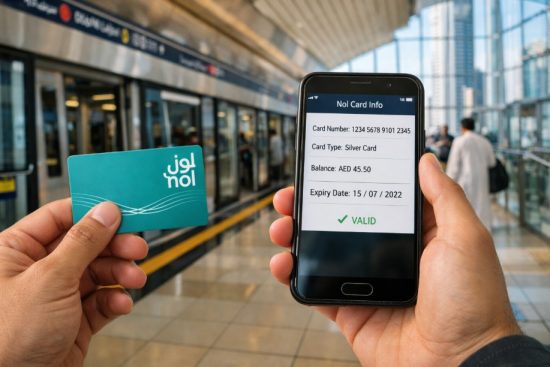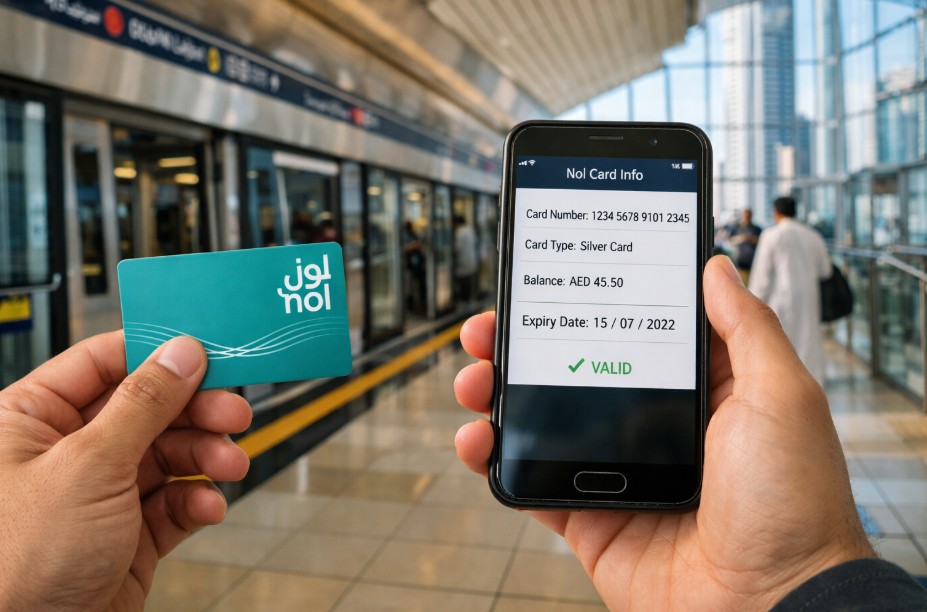
If you want to do a NOL card expiry date check, the quickest way is to use the RTA website, mobile apps, or metro ticket machines. By entering your NOL tag ID or tapping your card, you can instantly view your card’s expiry date along with balance and status. Checking this regularly helps you avoid travel disruptions and ensures your card remains valid for daily commuting in Dubai.
Here are the key takeaways you should know:
- You can check expiry online, via apps, or at metro stations
- Your NOL card is usually valid for 5 years
- Expired cards cannot be used for travel
- Renewal is simple through RTA services
- Only your NOL tag ID is required for most checks
Staying aware of your card’s validity ensures a smooth and stress-free travel experience across Dubai’s public transport network.
How Can You Check Your NOL Card Expiry Date Quickly?
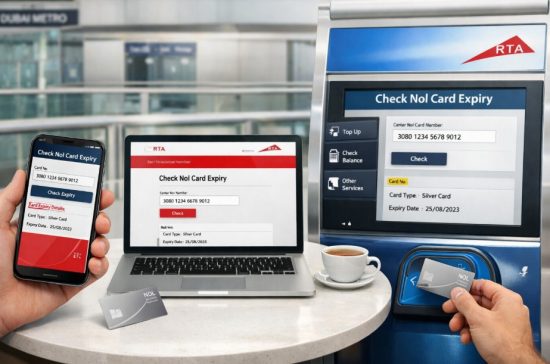
A NOL card expiry date check can be completed in less than a minute using multiple official methods provided by the Roads and Transport Authority. Whether you prefer digital tools or physical machines, the process is designed to be simple and accessible for all users.
You can quickly check your card expiry using the following options:
- Visit the RTA website and enter your NOL tag ID
- Use the RTA Dubai app or Nol Pay app
- Tap your card on metro station ticket machines
- Use card readers available at transport locations
Each method displays not only the expiry date but also important details such as balance and pending credit.
It is important to understand that your NOL card works as your travel identity across metro, bus, and tram services. If the card expires, access to these services becomes restricted. That is why checking your expiry regularly is a practical habit.
Many commuters rely on quick checks before starting their journey. For example, a daily metro user shared that checking the expiry through the RTA app takes less than 30 seconds and avoids unexpected issues during travel.
In simple terms, the process is fast, requires minimal information, and can be done anytime. This convenience ensures that you always stay informed about your card’s status and avoid last-minute complications.
Why Is It Important to Check Your NOL Card Expiry Date?
Checking your NOL card expiry date is essential to ensure uninterrupted access to Dubai’s public transport system. If your card expires, you may not be able to use metro gates, buses, or parking services, which can disrupt your daily routine.
Regular checks help you avoid situations where your card stops working unexpectedly. Many users only realise their card has expired when they try to travel, which can lead to delays or inconvenience.
It also allows you to plan ahead. By knowing your expiry date, you can renew your card in advance and continue using transport services without interruption. This is especially important for daily commuters who depend on public transport.
Another key reason is financial awareness. Your card may still have balance left, but an expired card can make it temporarily inaccessible until renewal is completed.
Overall, a simple expiry check helps you stay prepared, avoid disruptions, and maintain a smooth travel experience across Dubai.
How Do You Check NOL Card Expiry Date Online Through the RTA Website?
Checking your NOL card expiry date online through the RTA website is one of the most reliable and widely used methods. It provides accurate and real-time information about your card, including balance, pending credit, and expiry date.
This method is especially useful if you want to check your card details from home without visiting a metro station.
What Steps Should You Follow on the RTA Portal?
To complete your NOL card expiry date check online, follow these steps:
- Open your browser and go to the official RTA website
- Navigate to the section labeled “Check NOL Balance”
- Locate the input field for the NOL tag ID
- Enter your card’s 10 to 14 digit tag ID number
- Click on the “Search” button
Once you submit your details, the system will display:
- Your current NOL card balance
- Any pending credit
- The expiry date of your card
This process does not require complex registration for basic checks, making it accessible for both residents and visitors.
Many users prefer this method because it provides a complete overview of their card status in one place. It also helps in planning recharges or renewals based on the expiry date.
A commuter mentioned, “I always check my NOL card online before the start of the month. It helps me plan my travel expenses and avoid any sudden issues.”
The online method is reliable, quick, and available at any time, making it one of the best ways to stay updated about your NOL card validity.
How Can You Check NOL Card Expiry Date Using the RTA App?
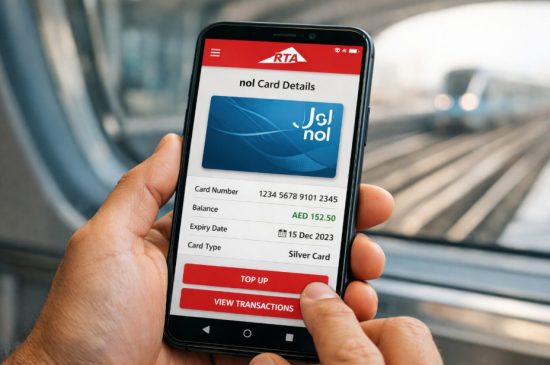
The RTA Dubai app provides a convenient way to perform a NOL card expiry date check directly from your smartphone. It is designed for users who prefer mobile access and want to manage their transport services on the go.
The app offers a user-friendly interface and allows you to access multiple services beyond just checking expiry.
What Is the Process Inside the App?
To check your NOL card expiry date using the RTA app, follow these steps:
- Download and install the RTA Dubai app from your app store
- Open the app and select your preferred language
- Log in using UAE PASS or your account credentials
- Navigate to the public transport section
- Select the NOL card services option
- Enter your NOL tag ID
- Tap on the search or check option
After completing these steps, the app will display:
- Your card balance
- Expiry date
- Transaction details, if available
This method is especially helpful for frequent travellers who need quick access to their card information. It eliminates the need to visit a website or physical location.
Users often highlight the convenience of the app. One user shared, “I check everything through the RTA app while commuting. It saves time and gives all the details in one place.”
The app also allows you to recharge your card and manage other services, making it a comprehensive solution for NOL card users.
Overall, using the RTA app ensures that you always have access to your card details anytime and anywhere.
Can You Check Your NOL Card Expiry Date Using the Nol Pay App?
Yes, you can perform a NOL card expiry date check using the Nol Pay app, which is another official digital solution provided for managing NOL card services. This app is particularly useful for users who want more control over their card features, including detailed card information.
To begin, you need to download and install the Nol Pay app on your smartphone. After opening the app, you can log in using your credentials and access your card details.
The process typically includes:
- Selecting your NOL card within the app
- Navigating to the card management section
- Choosing the option to check card information
- Viewing the expiry date and related details
In addition to expiry, the app also provides insights into your card balance and usage. Many users prefer this app for its dedicated focus on NOL card services. It simplifies the process and brings all essential features into one platform.
A frequent user explained, “I use the Nol Pay app because it gives me full control over my card. I can check expiry and manage everything easily.”
This method is efficient, especially if you regularly use your card and want quick updates without relying on external platforms.
How Can You Check NOL Card Expiry Date at Metro Stations?
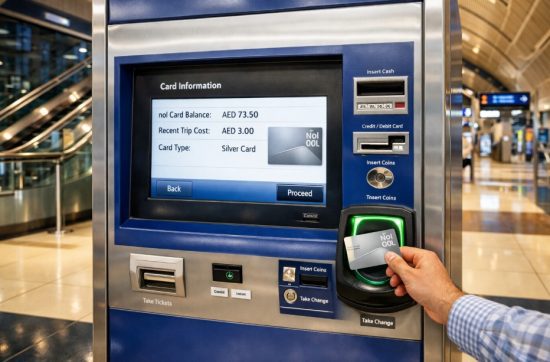
Checking your NOL card expiry date at metro stations is one of the easiest offline methods available. It is ideal for users who prefer physical verification or do not have immediate access to online tools.
Dubai metro stations are equipped with ticket vending machines and card readers that allow you to check your card details instantly.
To perform the check, follow these steps:
- Locate a ticket vending machine or card reader
- Insert or tap your NOL card on the machine
- Wait for the screen to display your card details
- View the expiry date along with balance information
These machines are user-friendly and provide instant results, making them convenient for quick checks before travel. This method is particularly helpful when you are already at the station and want to confirm your card status before entering the gate. It also allows you to recharge your card if needed.
Many commuters rely on this approach for its simplicity. A regular metro traveller shared, “I always tap my card at the machine before entering. It gives me peace of mind.”
Overall, metro station machines offer a fast and reliable way to check your NOL card expiry without requiring internet access.
What Information Do You Need to Check NOL Card Expiry Date?
To complete a NOL card expiry date check, you need only a few basic details. The process is designed to be simple so that users can quickly access their card information without complications.
The most important requirement is your NOL tag ID. This is a unique number printed on the back of your card, usually consisting of 10 to 14 digits. It acts as your card’s identification number when checking details online or through apps.
Here is the essential information you may need:
- NOL tag ID number from your card
- Access to the RTA website, app, or machine
- Basic internet connection for online methods
- Login credentials for app-based checks if required
For offline checks at metro stations, you do not need to enter any details manually. Simply tapping your card is enough to retrieve the information.
It is important to enter the correct tag ID when using online or app methods. Even a small error can prevent the system from displaying your card details.
Another key point is that you do not need advanced technical knowledge. The process is straightforward and designed for everyday users.
Understanding what information is required helps you complete the process quickly and avoid delays. It also ensures that you can check your card anytime without confusion.
How Can You Renew Your NOL Card Before or After Expiry?
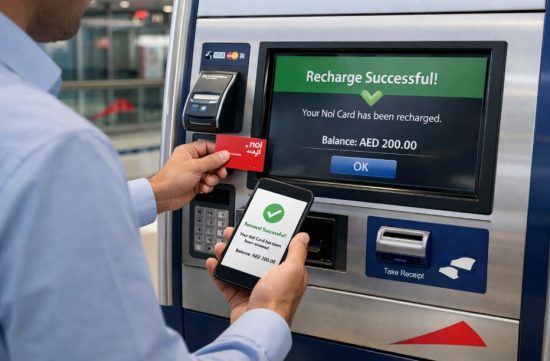
Renewing your NOL card is a simple process that ensures continued access to Dubai’s transport services. Whether your card is about to expire or has already expired, you can renew it through multiple official channels.
You can renew your card using:
- The RTA website
- The RTA Dubai app
- Nol Pay app
- Customer service centres
- Metro station machines
The general process includes:
- Entering your NOL card details
- Checking your card status
- Paying any required fees or topping up balance
- Activating the card through a metro gate or machine
Renewing your card before it expires is always recommended. It prevents interruptions and allows you to continue using your card without issues.
If your card has already expired, renewal may still be possible, but you may need to follow additional steps depending on the situation. Keeping your card active ensures that your balance remains accessible and your travel experience remains smooth.
What Are the Most Common Mistakes to Avoid When Checking NOL Card Expiry?
While performing a NOL card expiry date check is simple, many users make small mistakes that can lead to confusion or delays. Being aware of these common errors can help you avoid unnecessary issues.
Some of the most common mistakes include:
- Entering an incorrect NOL tag ID
- Ignoring expiry notifications or reminders
- Waiting until the card is already expired
- Not activating online top ups properly
- Assuming balance check automatically confirms expiry
Another common issue is relying only on one method. If the website does not work temporarily, users may assume there is a problem with their card instead of trying alternative methods like apps or machines.
Some users also forget to check expiry regularly, especially if their card has been working without issues for a long time.
Avoiding these mistakes ensures that you always have accurate information about your card and can take timely action when needed.
Conclusion
A realistic image of a person renewing a Nol card using a metro ticket machine and smartphone simultaneously, Dubai metro environment, screen showing recharge or renewal confirmation, professional and clean look, 16:9 aspect ratio
A realistic image of a person renewing a Nol card using a metro ticket machine and smartphone simultaneously, Dubai metro environment, screen showing recharge or renewal confirmation, professional and clean look, 16:9 aspect ratio
By staying informed, you can avoid unexpected disruptions, protect your balance, and renew your card on time. Whether you use online tools, mobile apps, or metro machines, the process is quick and accessible.
As public transport continues to be a vital part of daily life in Dubai, keeping your NOL card valid is essential. A simple check today can prevent inconvenience tomorrow.
FAQs
How can you check your NOL card expiry without internet?
You can use metro station ticket machines or card readers. Simply tap your card to view the expiry date instantly.
Can you still use a NOL card after it expires?
No, an expired NOL card cannot be used for travel. You need to renew it before using transport services again.
Does recharging your NOL card extend its validity?
No, recharging does not extend the expiry date. The validity is fixed from the date of issuance.
Can tourists check their NOL card expiry date?
Yes, tourists can check expiry using the RTA website or metro machines. No special account is required.
What happens to your balance if your NOL card expires?
The balance usually remains on the card. However, you may need to renew the card to access it.
How often should you check your NOL card expiry date?
It is recommended to check it at least once a month. This helps you stay prepared and avoid issues.
Can you renew your NOL card online?
Yes, you can renew it through the RTA website or mobile apps. The process is simple and quick.