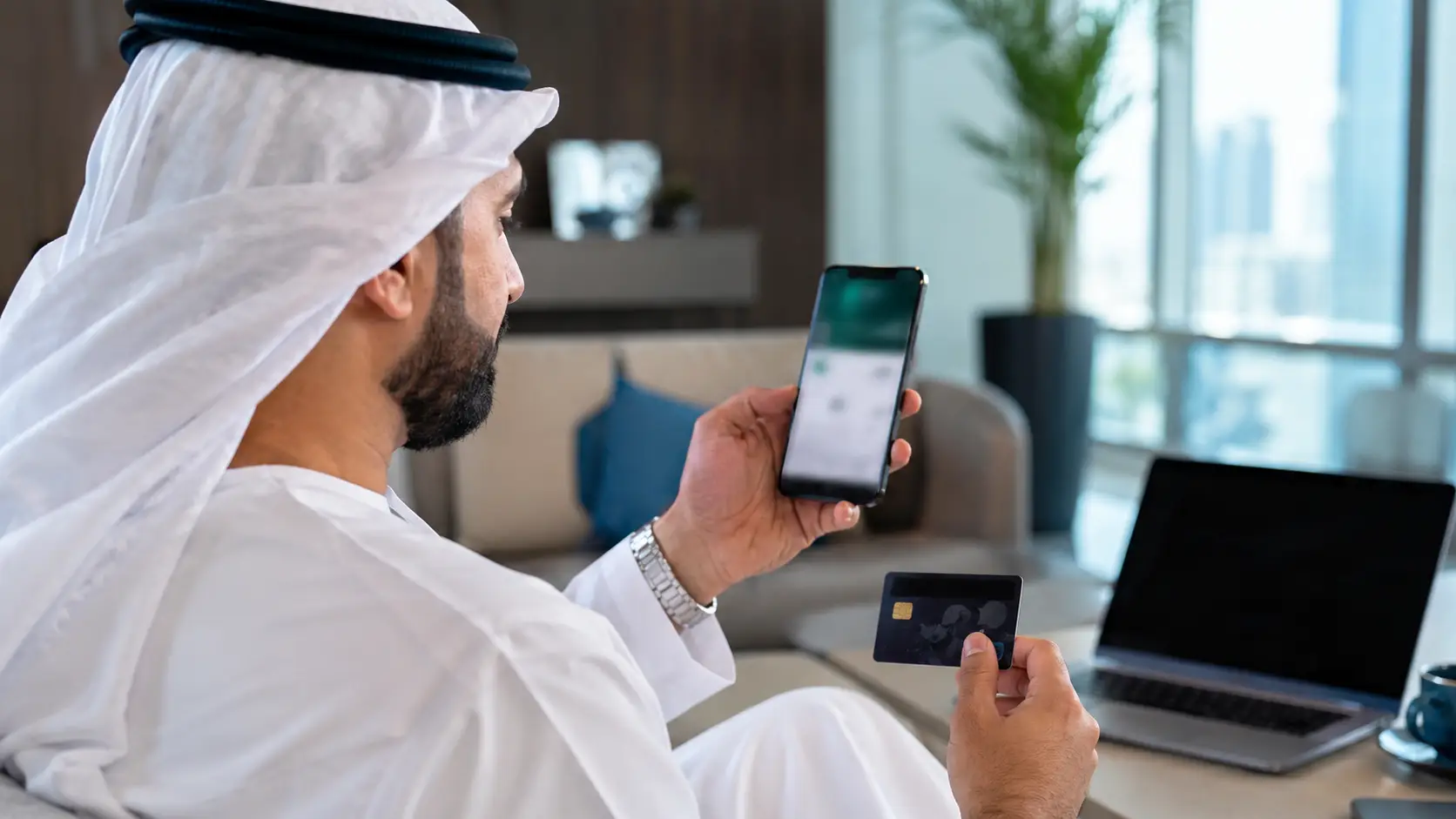
An NBAD or FAB balance can normally be checked through:
- FAB Mobile for active bank accounts, debit cards and credit cards
- FAB Online Banking for registered personal banking customers
- The Magnati prepaid card enquiry portal for eligible Ratibi, salary or prepaid cards
- A FAB ATM or another compatible ATM
- FAB customer service when digital access is unavailable
The correct method depends on whether the customer has a normal FAB bank account or a salary-prepaid card. FAB Mobile is designed to show account balances and transaction details, while FAB’s official Ratibi page directs existing cardholders to the Magnati prepaid card balance enquiry service.
Is NBAD Now First Abu Dhabi Bank?

Yes. NBAD and First Gulf Bank completed their merger in 2017, creating First Abu Dhabi Bank. The official merger information states that the brand name of the combined institution was changed to FAB, with the new FAB shares beginning to trade on 2 April 2017.
This means an old NBAD-branded card, account document or salary card does not necessarily require an “NBAD app”. The relevant service is generally operated through FAB or, for certain prepaid products, the Magnati card portal.
Customers should first identify which product they hold:
- A current or savings account with an account number and IBAN
- A debit or credit card linked to a FAB account
- A Ratibi salary card
- Another employer-issued prepaid or payroll card
That distinction matters because FAB Mobile may show ordinary bank accounts, while a salary-prepaid card may need to be checked through a separate portal.
How Can an NBAD or FAB Balance Be Checked Through FAB Mobile?
The FAB Mobile app is usually the most convenient option for customers with an active FAB bank account. FAB states that the application allows users to manage accounts and cards, check balances and view transaction information.
Steps to Check the Balance
- Download FAB Mobile from the official Apple App Store, Google Play Store or Huawei AppGallery link provided by FAB.
- Open the application and complete registration if it has not already been activated.
- Sign in using the approved authentication method.
- Select the relevant account or card from the home screen.
- Review the available balance and recent transactions.
Existing customers may be asked for a customer number, debit card number or credit card number when registering. FAB also requires secure authentication for access to its digital banking services.
What if FAB Mobile is Not Showing the Account?
A missing account does not automatically mean that the funds have disappeared.
Possible explanations include:
- The customer has registered with different details
- The account has not been linked to the mobile profile
- The product is a prepaid salary card rather than a bank account
- The app requires an update
- FAB is carrying out temporary system maintenance
- The registered mobile number or Emirates ID details need updating
FAB advises customers experiencing persistent login or maintenance errors to update the app, try again later and contact the bank if the problem continues.
How Can a Balance Be Checked Through FAB Online Banking?
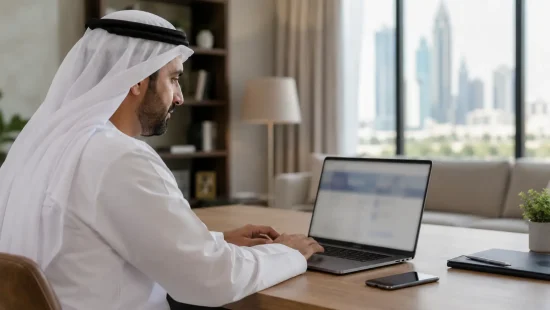
Customers registered for FAB Online Banking can access their banking profile through FAB’s official website.
A customer should:
- Type the official FAB website address directly into the browser.
- Select the personal banking login option.
- Confirm that the web address uses the genuine bankfab.com or authorised FAB online banking domain.
- Enter the required login credentials.
- Complete any mobile-app or one-time authentication requested by FAB.
- Open the account summary to view the available balance.
FAB’s digital authentication guidance confirms that online banking transactions may require approval through FAB Mobile.
Customers should avoid logging in through advertisements, unsolicited text messages or links sent through social media. A copied login page may look genuine while being designed to steal banking credentials.
How Can a Ratibi or Salary-prepaid Card Balance Be Checked Online?
A person holding a Ratibi or another eligible payroll-prepaid card may not have a conventional bank account. In that situation, the balance may be available through the Magnati Prepaid Card Enquiry Portal.
FAB’s Ratibi product page contains a direct “Check your balance” link to Magnati’s prepaid card enquiry service.
Steps for a Prepaid Card Balance Enquiry
- Start from FAB’s official Ratibi page or open the secure Magnati enquiry portal.
- Check that the domain is ppc.magnati.com.
- Enter only the information requested on the secure portal.
- Complete any verification step shown.
- Review the available card balance.
The portal should mainly be used for supported prepaid products. A normal FAB current or savings account should instead be checked through FAB Mobile or Online Banking.
Practical Example
An employee receives a monthly salary on a Ratibi card but does not have a traditional FAB current account. Searching FAB Mobile may not display the card as an ordinary bank account. The employee should use the Ratibi balance enquiry link provided by FAB or insert the card into a compatible ATM.
FAB describes Ratibi as a payroll-prepaid card that can operate without a bank account and can be used through ATM networks.
How Can an NBAD or FAB Balance Be Checked at an ATM?
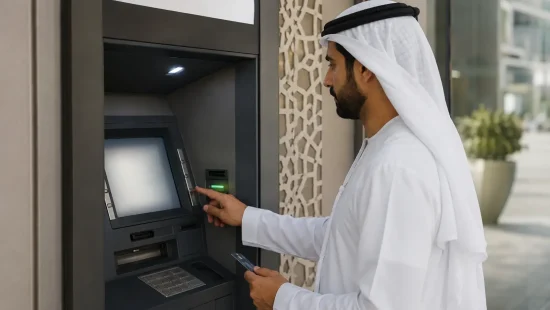
An ATM enquiry can help when the customer cannot use the mobile app or online banking.
The usual process is:
- Insert the FAB, former NBAD or eligible prepaid card.
- Select the preferred language.
- Enter the card PIN discreetly.
- Choose Balance Enquiry, Account Balance or the equivalent option.
- Select the relevant account if more than one is displayed.
- View the balance on screen or request a receipt.
- Remove the card and receipt before leaving.
FAB’s branch and ATM locator allows customers to search specifically for FAB ATMs and cash-deposit machines.
A FAB ATM is generally preferable because another bank’s machine may charge a balance-enquiry fee. A third-party ATM may also show a different description for the available balance, particularly where pending card transactions or temporary payment holds exist.
Can the Balance Be Checked by SMS?
Customers should be cautious about claims that an NBAD or FAB balance can be checked simply by texting card details to a shortcode.
FAB’s official security guidance warns customers not to respond to unsolicited calls or messages requesting information such as:
- A bank card number
- ATM PIN
- Online banking password
- Telephone banking password
- Credit card details
- One-time passwords
FAB also states that passwords and PINs should not be sent through email or text message.
Ratibi customers may receive free SMS alerts when their salary is credited, but a salary-credit notification is not the same as an on-demand SMS balance enquiry.
Unless a balance-checking SMS service and shortcode are displayed inside an official FAB communication or authenticated banking channel, customers should use FAB Mobile, the Magnati portal or an ATM instead.
What Are the Official FAB Customer Service Numbers?

Customers who cannot access their balance can contact the relevant FAB support team.
General FAB Service
- Within the UAE: 600 52 5500
- From outside the UAE: +971 2 681 1511
FAB publishes these numbers for its general service team and mobile-banking assistance.
Ratibi Card Service
- Within the UAE: 600 522 298
- From outside the UAE: +971 2 499 6279
These are the product-specific Ratibi support numbers shown on FAB’s official contact page.
A customer calling support may be asked to complete identity verification. However, legitimate staff should not ask for a complete PIN, password or one-time password.
What Should Someone Do if the Balance Appears Incorrect?
The displayed balance can differ from what a customer expects for several reasons. These may include pending card purchases, cash withdrawals that have not fully posted, salary-processing delays, temporary merchant holds or an incorrect account being selected.
The customer should:
- Compare the available balance with the latest transaction history
- Check whether a payment is pending rather than completed
- Confirm that the latest salary payment has been processed by the employer
- Keep ATM receipts and transaction references
- Contact FAB or Ratibi support if an unfamiliar transaction appears
- Freeze or block a card promptly if fraud is suspected
FAB Mobile allows eligible customers to view transaction details and temporarily freeze, block or replace certain cards.
A cardholder should not assume that an employer has failed to pay a salary solely because the prepaid-card balance has not changed. The employer’s payroll department and the card provider may need to confirm when the salary file was submitted and credited.
How Can Customers Make a Balance Enquiry Safely?
Bank-balance searches are frequently targeted by phishing websites. A page may use “NBAD balance check” in its title without having any connection to FAB or Magnati.
Customers should follow these precautions:
- Use the official FAB website, FAB Mobile or the Magnati portal
- Check the full domain before entering card information
- Avoid public Wi-Fi when using mobile or online banking
- Never share an OTP, PIN, password or CVV
- Do not allow another person to operate the ATM
- Log out when the enquiry is complete
- Contact FAB immediately after receiving a suspicious request
FAB recommends using its official mobile app, avoiding public Wi-Fi and refusing unsolicited requests for banking-card or login information.
Final Takeaway
An NBAD bank balance enquiry is now normally completed through First Abu Dhabi Bank.
Customers with a current or savings account can use FAB Mobile, FAB Online Banking or an ATM. Ratibi and eligible salary-prepaid cardholders can use the official Magnati prepaid card enquiry portal or a compatible ATM.
The safest approach is to begin from FAB’s official website, verify the web address and never send a card number, PIN, password, CVV or OTP through an unsolicited text message, call or website.
Frequently Asked Questions
What is the easiest way to make an NBAD bank balance enquiry?
For an active bank account, the easiest method is normally FAB Mobile. It allows registered customers to view account balances and transaction details. A Ratibi or eligible salary-prepaid card may instead need the Magnati prepaid card portal.
Can an old NBAD card still be used to check a balance?
An old card may work if it remains active and has not expired or been replaced. The cardholder should use an official FAB ATM or contact FAB to confirm its status. The NBAD brand itself has been incorporated into FAB.
What is the official NBAD balance enquiry website?
There is no separate current NBAD consumer banking website for ordinary balance enquiries. Former NBAD account customers should use FAB’s official website or FAB Mobile. Eligible Ratibi and prepaid-card customers can use the Magnati portal linked from FAB’s official Ratibi page.
Can someone check an NBAD balance without a mobile number?
An ATM may be used with an active card and PIN. A customer who cannot access a registered mobile number should contact FAB because mobile and online banking may require authentication through the registered device or number.
Can a salary card balance be checked without the app?
Yes. An eligible Ratibi or prepaid card balance may be checked through the Magnati portal or a compatible ATM.
Does the Magnati portal work for every FAB account?
No. It is a prepaid-card enquiry service. Conventional FAB accounts should generally be checked using FAB Mobile or Online Banking.
Why has a salary not appeared on the card?
The employer may not yet have processed the payroll file, the salary could still be pending, or the customer could be checking the wrong product. The cardholder should first confirm the payroll date with the employer and then contact Ratibi support if the payment should already have arrived.
Is it safe to provide an OTP to FAB customer service?
No. FAB states that its staff will not ask customers to disclose passwords, OTPs or PINs for banking services.
What should someone do after losing an NBAD or FAB card?
The customer should contact FAB immediately or use FAB Mobile to freeze, block and replace an eligible card. FAB publishes 600 52 5500 for calls within the UAE and +971 2 681 1511 for international calls.