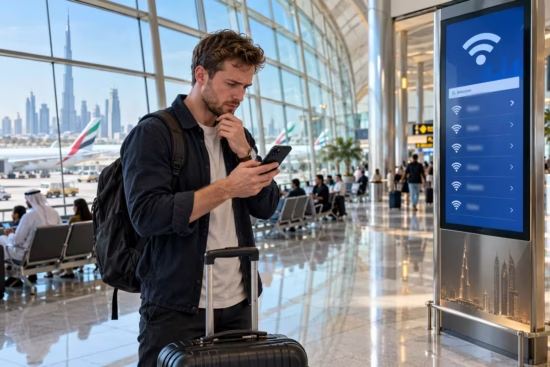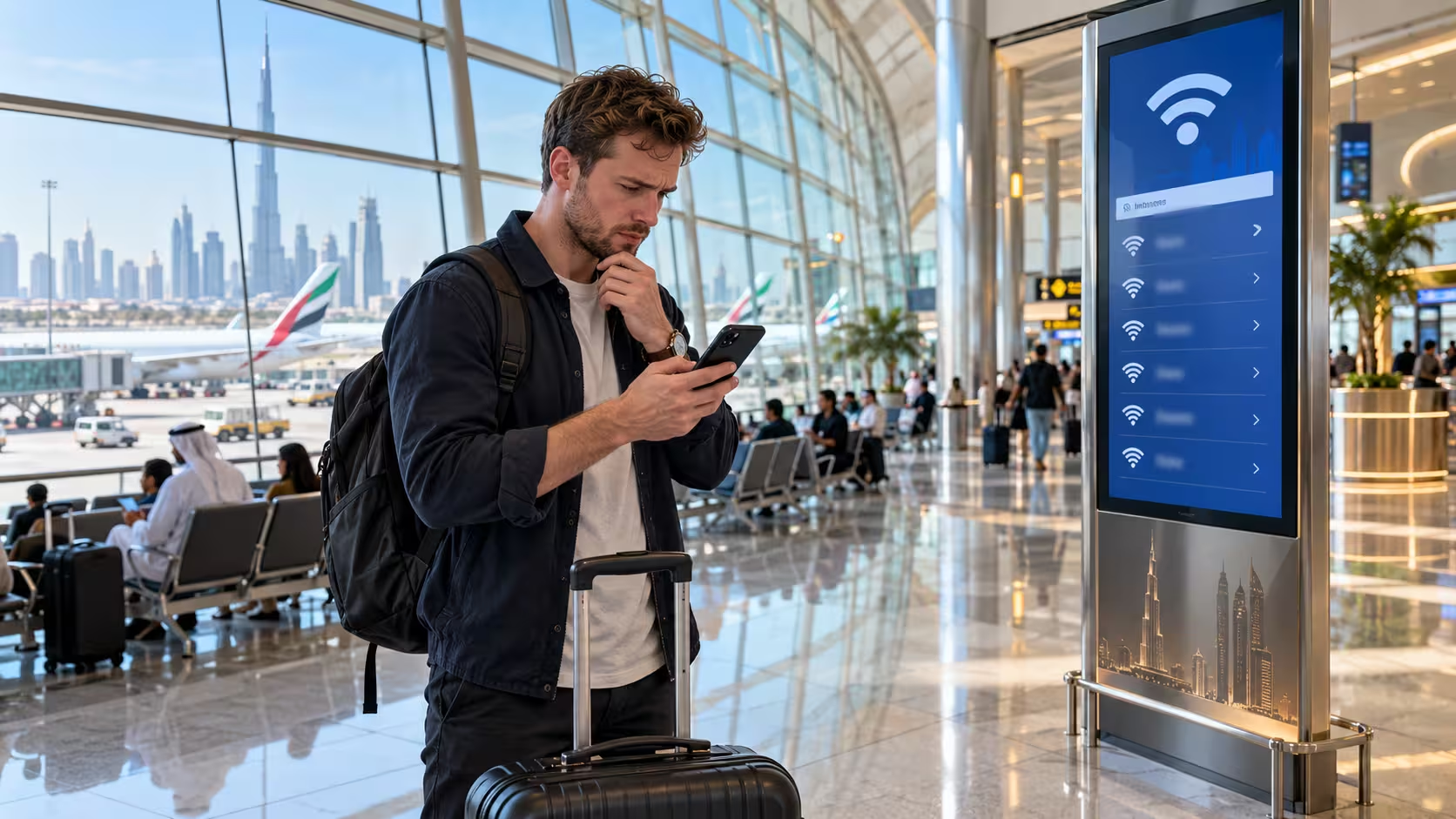
Imagine being stuck at Dubai International Airport in a hotel lobby after a long flight, or taking a quick respite in a shopping mall. Your mobile is about to run out of juice, there’s an important work email to be checked and Wi-Fi is available.
All you have to do is connect, but most of the time public networks are used without any problems and here are a few quick tips to stay safe.
Is Public Wi-Fi Safe to Use in the UAE at Airports, Hotels and Shopping Malls?
Understand the Risks of Public Wi-Fi
Public Wi-Fi isn’t inherently unsafe! In fact, most websites and apps encrypt their communications, so even on a public network, it’s much harder for other users to read what you are exchanging. However, some risks are worth noting.
Another fake network might display a name similar to that of a genuine airport, hotel, or café connection. Open networks may also expose unencrypted traffic to potential interception.
Sometimes, sign-in pages may ask for a phone number, email, or identification information that isn’t required for internet connectivity.
Public computers in hotel business centers pose a different issue, because they can save the browsing session, downloaded files or other information.
Prepare Your Devices Before Traveling
A couple of minutes of prep can make Wi-Fi safer and easier to navigate.
- Latest news: keep your phone, laptop, browser, and security software updated to get the latest bug fixes.
- Make sure your bank, work, and e-mail accounts have two-step verification: add an extra step to confirm your identity when logging in.
- Unique Password: Ensure every team member uses a different password. This is a trick that a password manager will make sure you can do.
- Auto-connect off: In the device’s Wi-Fi settings, disable auto-connect to Wi-Fi networks.
- Back up important files: ensure you can retrieve important files if your device is lost or damaged.
Traveling between the emirates has to do with all cases when an employee, a visitor or a resident shall have to travel between the emirates (some may also do for an expatriate/ and or a resident employee and/or visitor).
Check the Network Before Connecting
You get to the mall, airport, hotel, co-working space. When you check in, ask the reception desk or look for the named Wi-Fi on the signs. Don’t connect to a network just because the name is familiar, especially if there are several.
Be cautious on the sign-in page. If there’s an identification number, payment information or any other piece of sensitive information that appears to be irrelevant to get on the internet, ask the venue if it is really needed. Only give out the information needed.
After connecting, always look for HTTPS connections, and use the authorized app or website for any critical services. Turn off file sharing and device searching features unless you require them. Search for sharing options on other devices and AirDrop settings on Apple devices.
Use mobile data if you’re able for banking, payments, or work that’s mostly sensitive to the business. Before departing, sign out of any accounts as needed and remove the public network from your stored Wi-Fi network list.
How a VPN Can Help?
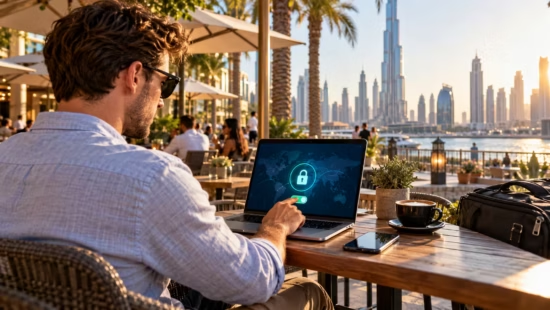
What is a VPN? Virtual private networks also called VPNs, encrypt your computer’s internet traffic when it goes out to the VPN service.
VPNs can help safeguard your network traffic when you’re connected to an untrusted Wi-Fi network. But again there’s just no substitute for software updates, strong passwords, and safe browsing habits.
If you’re doing work on a public network or use your bank account regularly, download a VPN from a reputable provider and install it to encrypt your connection when you log in from your laptop or phone.
Be careful when choosing a provider, as some free VPNs don’t meet high standards for privacy or security.
Using a VPN isn’t a silver bullet. It’s not enough to assume a VPN will cover all your online security. It doesn’t help to defend against phishing sites, malware, password practices or information that you disclose to a fake service.
Follow UAE Rules on VPN Use
The UAE permits VPNs for valid security and privacy reasons. But if you use a VPN to commit a crime or cover it up, it can have legal consequences.
The UAE’s cybercrime law criminalizes the use of technology over a network and a VPN can’t be used to justify illegal activity.
Consult government advice before travel or when switching your VPN service on/off. Find out more guidance on the Government of the UAE’s website about cybercrimes and the Telecommunications and Digital Government Regulatory Authority (TDRA).
Look up relevant cases and the latest guidance rather than what is reported on the internet. This information is general guidance only.
Protect Work Information When Working Remotely
Never do personal and work on the same computer. Remember to use your company’s VPNs and collaboration/file sharing apps. Make sure you read your company policies.
Do not download key files on your work device and remember to log off of your accounts when you have finished.
I have prepared my team so they can identify a false login page, react if they were asked questions you weren’t anticipating, or if they are asked for information that they didn’t expect, and how to report security concerns.
What to Do If Something Looks Wrong?
An alert to sign in that isn’t from you, an unknown transaction, or a password that suddenly no longer works is worth taking action on.
- Disconnect from the suspicious network and use your mobile data or another known good connection.
- Change passwords on the device you trust and sign out of all other sessions.
- If there is a concern that you may have compromised banking details, notify your bank on the appropriate number on their website or on the card payment.
- Official authorities in the UAE can take complaints about cybercrime and fraud.
Apply treatment as fast as possible to minimize the damage but exactly what you’ll need to do will depend on the circumstances.
Public Wi-Fi Safety Checklist
Before Travelling
- Update devices and enable Two-Factor authentication
- Create individual passwords and turn off auto-join to public networks.
At the Airport or Mall
- Check that the network name matches those visible on staff’s device or on signs.
- Keep sensitive fields to a minimum on sign-in pages, and use a mobile data connection when handling personal information when possible.
- Turn file sharing off when you are not using it.
At the Hotel
- Stick to well-known, secure sites and apps.
- Then add a good VPN to help keep your experience safer.
- Log out of any shared computers and forget public networks when finished.
Public Wi-Fi is becoming increasingly common in the UAE. With a few simple steps and a habit you can put in place, you can stay online while knowing you’re taking care of your privacy and online safety.