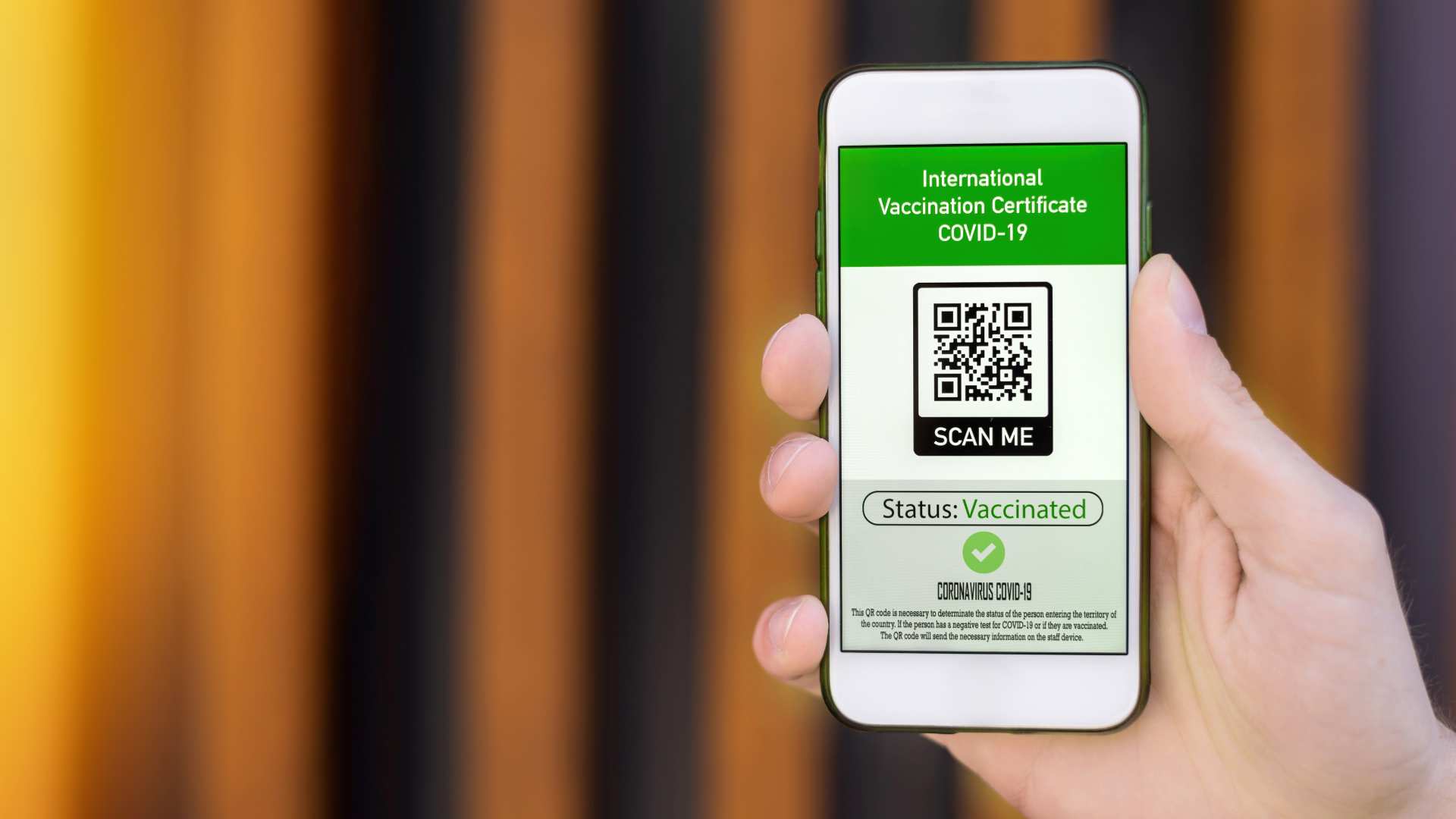
Have you lost access to your mobile number and are struggling to retrieve your vaccination certificate in the UAE? With vaccine certificates being a critical document for travel, work, and public activities, not having access to your registered mobile number can feel like a major obstacle.
Fortunately, the UAE government has introduced alternative ways to access your vaccination records without relying on OTP-based verification. Whether it’s through your Emirates ID, Medical Record Number (MRN), or other secure methods, these solutions ensure that you can retrieve your certificate hassle-free.
In this blog, we’ll guide you step-by-step on how to access your vaccination certificate without a mobile number and provide tips to resolve common issues you may face during the process.
What Are the Reasons You Might Lose Access to Your Mobile Number?

Losing access to your mobile number is more common than you might think, and it can happen for several reasons. In the UAE, where many online services are tied to your mobile number, including vaccination certificate retrieval, this issue can create significant challenges.
Here are some common reasons people lose access to their mobile number:
- Changing Numbers Without Updating Records: Many residents change their mobile numbers due to switching telecom providers, upgrading to new plans, or moving to a different country. If vaccination records are not updated with the new number, accessing services like downloading the vaccination certificate can become problematic.
- SIM Card Expiry or Deactivation: Prepaid mobile numbers in the UAE often expire if not recharged within the validity period. Inactive numbers are recycled by telecom providers, which can result in you losing access to OTP-based services.
- Lost or Stolen Phone: Losing your phone can result in not only physical inconvenience but also the inability to receive OTPs for accessing your vaccination certificate.
To prevent such issues, it’s crucial to regularly update your personal information in government and healthcare records. However, if you’ve already lost access to your number, don’t worry there are alternative methods to retrieve your vaccination certificate in the UAE, as discussed in the sections below.
Is It Possible to Retrieve Your Vaccination Certificate Without a Mobile Number in the UAE?
Yes, it is absolutely possible to retrieve your vaccination certificate in the UAE without a mobile number. The UAE government has implemented alternative methods to simplify this process for residents.
Instead of relying solely on OTP-based mobile verification, you can access your vaccination records using other identification details such as your Emirates ID or Medical Record Number (MRN).
The Dubai Health Authority (DHA) and other relevant authorities allow residents to download their vaccination certificates through their online portals and mobile apps. These platforms ensure that individuals who have lost access to their mobile numbers can still retrieve their certificates securely.
Additionally, apps like Al Hosn UAE integrate with government records, making vaccine certificates accessible without the need for OTPs.
By leveraging such alternative methods, the UAE ensures that residents can seamlessly obtain proof of vaccination when needed.
What Are the Key Requirements for Retrieving a Vaccination Certificate Without a Mobile Number?
If you’ve lost access to your mobile number, there are a few key requirements you need to fulfil to retrieve your vaccination certificate in the UAE. The most critical identifiers include:
- Emirates ID: Your Emirates ID is a vital document as it links to your vaccination records across healthcare systems in the UAE.
- Medical Record Number (MRN): This unique identifier is generated when you register with the Dubai Health Authority (DHA) or a healthcare provider in the UAE. It is essential for accessing your vaccine details.
- Personal Information: Some portals may ask for your date of birth or passport details to verify your identity.
Make sure you have these details ready before attempting to access your vaccination certificate online. If you are unsure about your MRN, it can be retrieved through the DHA website or by contacting the healthcare facility where you were vaccinated.
How to Get Vaccination Certificate Without Mobile Number Through the DHA Website?

The Dubai Health Authority (DHA) provides a convenient way to retrieve your vaccination certificate online using its e-services portal. Here is a step-by-step guide to help you:
- Visit the DHA e-services portal on your browser.
- Select the option to download your vaccination certificate.
- Enter your Emirates ID number and Medical Record Number (MRN) in the required fields.
- Provide any additional information, such as your date of birth, if prompted.
- Follow the instructions on the screen and verify your details.
Once verified, you can download the vaccination certificate in PDF format for your records. If you encounter issues, double-check the information provided or contact DHA customer service for assistance. This method ensures seamless access to your certificate without requiring a mobile number.
How Can You Use the Al Hosn App to Retrieve Your Vaccine Certificate?
The Al Hosn UAE app is a widely used platform for accessing vaccination records and COVID-19 test results in the UAE. Even if you don’t have access to your registered mobile number, the app offers alternative ways to retrieve your vaccination certificate. Here’s how:
- Download and Install the Al Hosn App: If you haven’t already, download the app from the App Store or Google Play.
- Log in Using Your Emirates ID: Instead of mobile verification, log in using your Emirates ID and other personal details, such as your date of birth.
- Access Your Vaccination Details: Once logged in, navigate to the vaccination section of the app.
- Download the Certificate: The app allows you to download or share your certificate directly.
If you face login issues, ensure your Emirates ID details are updated in the system. The Al Hosn app offers a secure and efficient way to access your vaccine records without depending on your mobile number.
What Should You Do If You Encounter Issues During the Process?

If you encounter challenges while retrieving your vaccination certificate, don’t panic—there are several solutions available.
- Contact DHA Customer Support: The Dubai Health Authority has a dedicated helpline for such issues. You can call their toll-free number or email their support team for assistance.
- Visit a DHA Service Center: If online options aren’t working, visiting a service center in person can resolve the issue quickly. Bring your Emirates ID and any relevant documents to verify your identity.
- Double-Check Your Details: Ensure that the information you’re entering, such as your Emirates ID and MRN, matches the records in the system. Errors in these details can lead to verification failures.
- Update Missing Records: In some cases, your vaccination record may not be linked to your Emirates ID or MRN. Contact your vaccination provider to update your details in the system.
These steps will help you resolve most issues and ensure that you can access your vaccination certificate seamlessly.
Are There Alternatives If Online Retrieval Methods Don’t Work?
If online methods fail to help you retrieve your vaccination certificate, don’t worry—there are alternative solutions available in the UAE:
- Visit the Healthcare Facility Where You Were Vaccinated: If you received your vaccine at a clinic or hospital, you can request a physical copy of your vaccination certificate directly from them. Bring your Emirates ID and any relevant documents.
- Request Assistance from DHA Service Centres: Dubai Health Authority (DHA) service centres can provide in-person support to resolve issues with vaccine records. They may update your details in their system or provide you with the required documents.
- Use Government Portals Linked to Emirates ID: UAE government platforms like u.ae allow residents to access their healthcare-related information. These portals link directly to your Emirates ID and can be used to retrieve your certificate.
These alternatives ensure that you can access your vaccination proof even if digital platforms don’t work for you.
How Can You Safeguard Your Vaccine Certificate for Future Use?
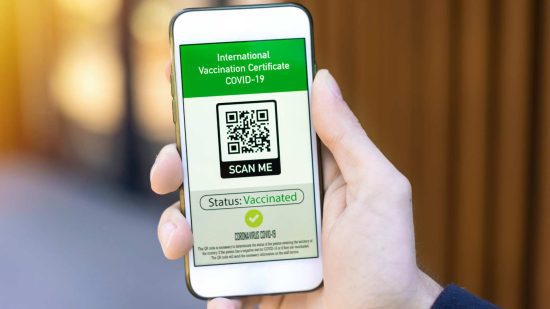
Once you’ve retrieved your vaccination certificate, it’s important to ensure it’s readily accessible for future needs. Here are some ways to safeguard it:
- Save a Digital Copy: Download the covid vaccine certificate in PDF format and store it securely on your smartphone or computer. Consider uploading it to cloud storage platforms like Google Drive or iCloud.
- Print a Physical Copy: Keep a printed version of your certificate in a safe place, such as your passport folder, for easy access when traveling or during emergencies.
- Update Your Mobile Number in Records: If you’ve changed your number, update it in government and healthcare systems like the DHA portal to avoid similar issues in the future.
- Regularly Verify Records: Periodically check your vaccination records on platforms like Al Hosn to ensure everything is up-to-date.
Taking these steps will prevent inconvenience and ensure your vaccination certificate is always available when needed.
Conclusion
Losing access to your mobile number doesn’t mean losing access to your vaccination certificate in the UAE. With secure and user-friendly alternatives provided by the Dubai Health Authority and platforms like the Al Hosn app, you can retrieve your vaccination certificate using your Emirates ID, MRN, or by visiting a DHA service center.
These solutions ensure that all residents and citizens have seamless access to their vaccine records, regardless of mobile number availability. Additionally, safeguarding your vaccination certificate by saving digital and physical copies will prevent future inconveniences.
By following the steps outlined in this guide, you can ensure your vaccination record is always accessible, secure, and ready for use whenever required. Stay proactive and keep your personal records updated to avoid similar issues in the future.
FAQs
Can I get my vaccination certificate in the UAE without an OTP?
Yes, you can retrieve your vaccination certificate using your Emirates ID or Medical Record Number (MRN) through the DHA website or Al Hosn app, bypassing OTP verification.
How do I retrieve my vaccine card if I don’t remember my MRN?
If you don’t remember your MRN, you can retrieve it through the DHA portal or by contacting the healthcare facility where you received your vaccination.
Is the Al Hosn app necessary for downloading the vaccination certificate?
No, the Al Hosn app is not mandatory. You can also use the DHA e-services portal or visit a DHA service center to download your certificate.
What should I do if the DHA website doesn’t show my vaccine details?
If your vaccine details aren’t displayed, contact DHA customer support or visit a service center to ensure your information is updated in their system.
Can I visit a government office to get a physical copy of my vaccination certificate?
Yes, you can visit a DHA service center or the healthcare facility where you were vaccinated to request a printed copy of your vaccination certificate.
Do I need a valid UAE mobile number to update vaccination records?
No, a valid UAE mobile number is not required. You can update your vaccination records using your Emirates ID or other identification details.
How can I access my vaccination details if I’ve moved to another country?
You can access your vaccination details through online portals like the DHA e-services platform or the Al Hosn app, even if you are outside the UAE.