Are you trying to figure out how to link your Emirates ID with your utility accounts in the UAE? Whether you’ve recently moved into a new home or you’re updating your records, this process is more than just a formality.
In fact, linking your Emirates ID is now a regulatory requirement across all Emirates, helping unify your personal identification with essential services like electricity, water, and telecommunications. It ensures seamless access, accurate billing, and improved service delivery.
As the UAE progresses towards a fully digital government infrastructure, this step connects your identity with your property and services digitally through platforms like UAE Pass and service provider portals.
This guide provides a step-by-step explanation of how to link your Emirates ID with major utility providers like DEWA, ADDC, TAQA, FEWA, and telecom operators. By the end of this guide, you’ll know exactly what to do and why it matters for hassle-free living in the UAE.
Why Do You Need to Link Your Emirates ID to Utility Accounts?
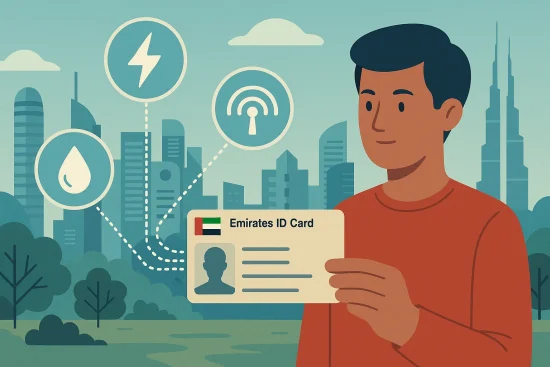
Linking your Emirates ID to utility accounts in the UAE is not just a procedural formality; it’s an essential step for compliance and convenience.
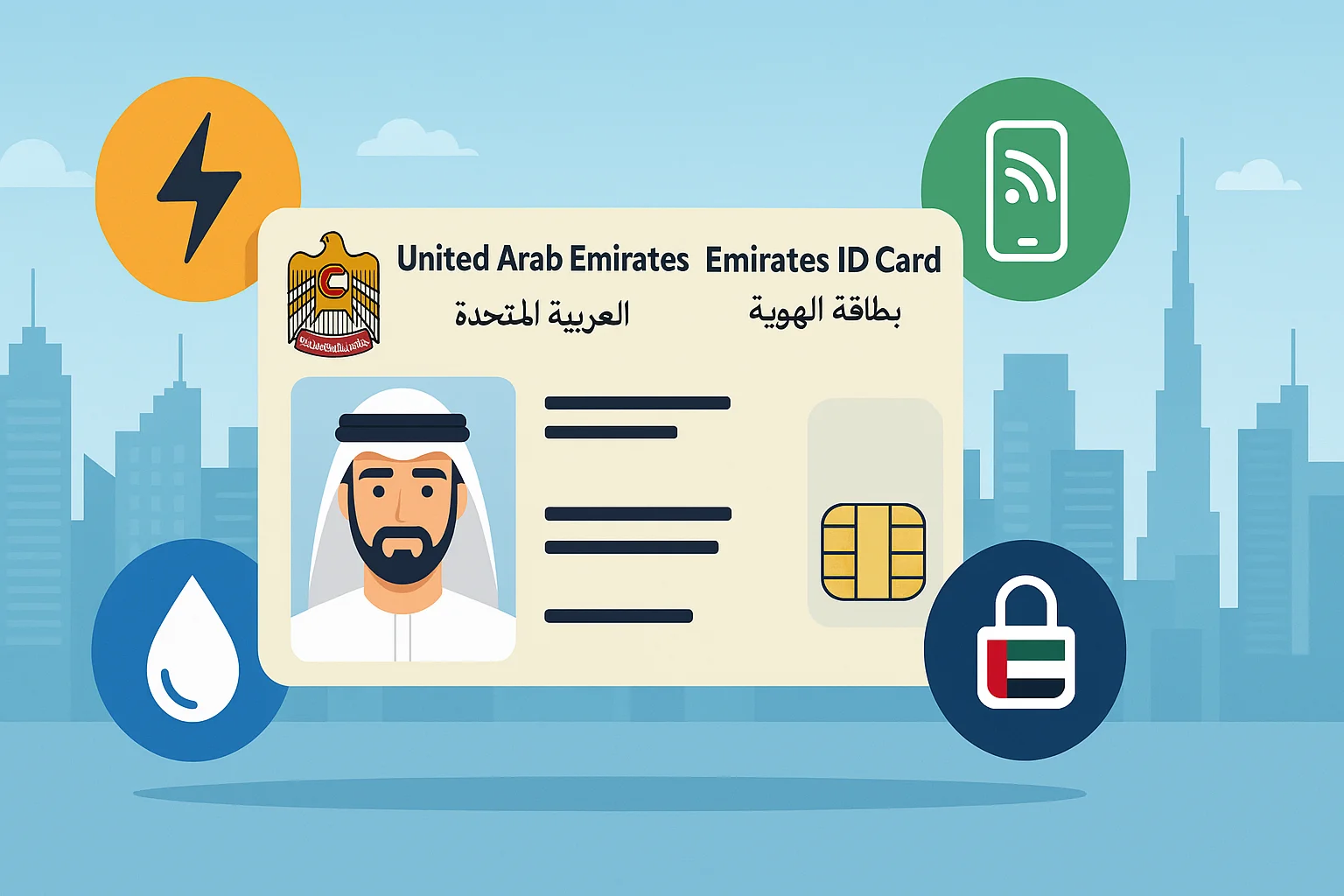
The Emirates ID serves as a unique identifier across all government and private services, making it a crucial element in managing your electricity, water, and telecom accounts.
When your Emirates ID is linked to your utility services, the providers can verify your identity and property status more efficiently. This makes it easier for them to process your service requests, update your records, and send timely billing information. It also aligns with the UAE government’s digital transformation strategy, which connects all services to a centralized identity.
Here are the main reasons to link your Emirates ID:
- Government Mandate: Linking Emirates ID is a legal requirement for new utility connections and account updates.
- Accurate Billing: Ensures bills are sent to the correct person at the registered address.
- Ease of Access: Allows you to access all utility services online via UAE Pass and provider apps.
- Security and Verification: Helps prevent identity fraud and protects your service details.
- Faster Service Activation: Accelerates setup when moving into a new property.
By completing this step, you stay compliant while enjoying streamlined and secure access to essential services in the UAE.
What Documents Do You Need to Link Emirates ID?
Before you begin the linking process, it’s important to gather the right documents. Most utility providers across the UAE, including DEWA, ADDC, TAQA, and FEWA, require a standard set of documentation to validate your identity and your relationship to the property.
This applies whether you’re a tenant or property owner. Having these documents ready will ensure a smoother, quicker application process, whether you’re linking online through provider websites or using UAE Pass.
Here’s what you’ll typically need:
- Valid Emirates ID: This is the primary identification document used to link and verify all services.
- Passport Copy: Required by some providers for cross-verification purposes.
- Attested Tenancy Contract: Tenants must submit a valid, government-attested lease document.
- Title Deed (for Owners): Property owners will need to provide a registered title deed in their name.
- UAE Pass Account: Optional but strongly recommended, this digital ID app makes linking faster and more secure.
- Email Address & Mobile Number: Needed for account verification and communication with the utility provider.
Ensuring that your documents are valid and legible can help avoid delays or rejections in your linking application.
How to Link Emirates ID to Utility Accounts in the UAE?
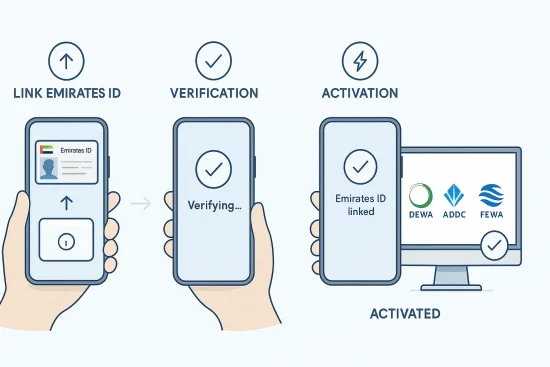
Linking your Emirates ID to your utility accounts in the UAE is a crucial step toward ensuring uninterrupted access to electricity and water services. The process is fairly streamlined, but it varies slightly depending on your location and the service provider involved.
Whether you’re in Dubai, Abu Dhabi, or one of the Northern Emirates, you’ll find a digital-first approach with either provider websites or UAE Pass integration. Here’s a step-by-step breakdown for each major provider.
How to Link Emirates ID with DEWA (Dubai Electricity and Water Authority)?
If you’re in Dubai, follow these steps to link your Emirates ID with your DEWA account:
- Visit the official DEWA website or open the DEWA mobile app.
- Log in using your existing DEWA account credentials or create a new account.
- Go to the “My Profile” or “Update Information”
- Select the option to upload or edit Emirates ID details.
- Upload a clear scanned copy of your Emirates ID (front and back).
- Attach your attested tenancy contract or title deed.
- Confirm your email address and mobile number.
- Pay the security deposit and activation fees through the online portal.
- Wait for an email or SMS confirmation once your request is processed.
- Service activation typically occurs within 1–3 working days.
How to Link Emirates ID with ADDC/TAQA (Abu Dhabi)?
In Abu Dhabi, ADDC is the main provider, operating under TAQA.
Follow these steps:
- Register your lease contract through Tawtheeq, Abu Dhabi’s tenancy contract registration system.
- Ensure your Emirates ID details are submitted correctly in the Tawtheeq application.
- Once approved, your utility account is automatically linked to your Emirates ID.
- If you’re an owner-occupier, apply through the ADDC online portal.
- Log in and update your personal profile with your Emirates ID and title deed.
- Upload the required documents and submit your request.
- Pay any required deposits through the online portal.
- Wait for confirmation, activation usually happens within 2–3 days.
How to Link Emirates ID with FEWA (Federal Electricity and Water Authority)?
For residents in the Northern Emirates (Ajman, UAQ, RAK, Fujairah):
- Visit the official FEWA website and log into your customer portal.
- If you don’t have an account, create a new user profile.
- Access the section titled “Update Personal Details” or “Link Emirates ID”.
- Upload a scanned Emirates ID, tenancy contract, or title deed.
- Enter your account number or premises details for verification.
- Submit the application and wait for email confirmation.
- Most requests are processed within 1–2 business days.
UAE Pass: A Smart Way to Link Your ID
UAE Pass simplifies the linking process across all Emirates.
Here’s how:
- Download the UAE Pass app from your app store.
- Scan your Emirates ID using your phone’s camera.
- Complete facial recognition and PIN setup for identity verification.
- Log into DEWA, ADDC, or FEWA websites and select “Sign in with UAE Pass”.
- Grant permission for ID authentication and data sharing.
- Your Emirates ID will be linked automatically through the system.
- Use UAE Pass for all future logins to manage your services and updates.
By following these methods based on your emirate, you can complete the linking process efficiently and ensure uninterrupted utility services.
How to Link Emirates ID with Telecom Services (Etisalat & du)?
Telecom providers in the UAE, including Etisalat and du, also require your Emirates ID to be linked to your phone, internet, and TV accounts. This linking is vital for verifying your identity, renewing your subscription, and complying with TRA regulations.
You have two options for linking:
- Visit a Store: Go to any Etisalat or du customer center with your Emirates ID. The staff will scan it and update your details instantly.
- Online Linking: Log into your account on the provider’s website or mobile app. Navigate to the profile section and upload a copy of your Emirates ID or enter its number manually.
Both providers will notify you before your Emirates ID expires so you can renew it and continue service without interruption. The process is quick, usually completed within minutes, and ensures continued access to telecom services.
What Happens If You Don’t Link Your Emirates ID?
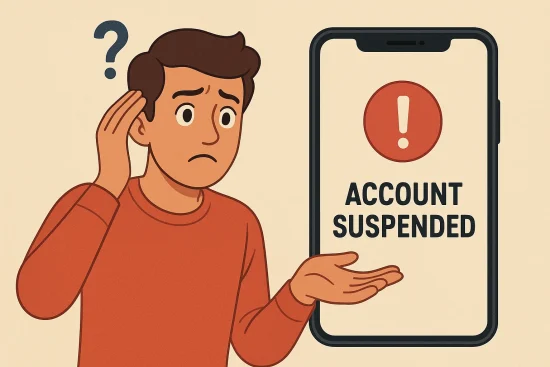
Failure to link your Emirates ID with your utility and telecom accounts can lead to a range of issues, both administrative and legal. This linking is not optional in most cases, as it ensures your account complies with government verification requirements. If your ID isn’t linked, utility providers may be unable to process changes, send accurate bills, or even activate services.
Potential consequences include:
- Disruption or disconnection of water, electricity, or internet services.
- Delayed activation for new properties or tenancy transfers.
- Billing errors caused by outdated or incomplete identity records.
- Inability to manage or access your accounts online via UAE Pass.
- Regulatory penalties or late fees for non-compliance.
To avoid such issues, it’s essential to link your Emirates ID as soon as you start or update any utility service.
Tips to Make the Linking Process Easier
Whether you’re moving into a new property or updating your ID, there are several ways to ensure a hassle-free linking experience. Preparation and using digital tools like UAE Pass can save you time and prevent delays.
Consider these practical tips:
- Prepare Documents in Advance: Have scanned copies of your Emirates ID, tenancy contract, passport, and title deed ready.
- Download UAE Pass: Use it to access all services digitally without submitting documents each time.
- Check Validity: Make sure your Emirates ID is not expired before starting the process.
- Use Mobile Apps: DEWA, ADDC, and FEWA apps make it easy to upload documents and track your request.
- Follow Up: If you don’t receive confirmation within a few days, contact customer support to ensure your request was processed.
Staying organized and proactive can make this process smooth and stress-free.
What Are You Actually Doing When You Link Your Emirates ID?
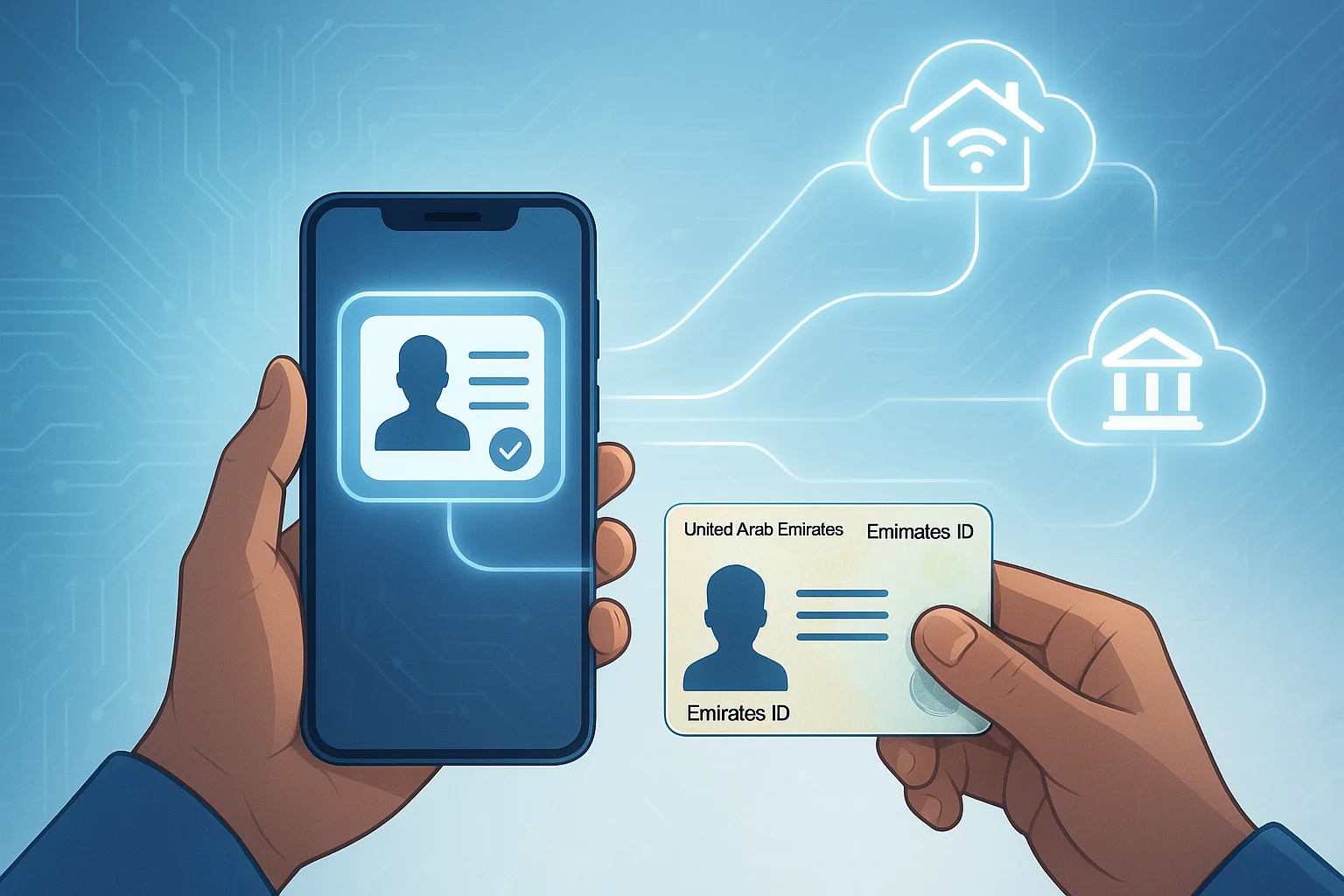
Linking your Emirates ID is more than just an administrative task. You’re essentially building a verified digital connection between your identity, your residence, and your essential services. This step is central to how the UAE delivers smart, integrated services to residents.
Here’s what’s happening behind the scenes:
- You’re creating a verified service account that matches your Emirates ID with your property.
- You’re enabling digital automation for utility billing, activation, and updates.
- You’re contributing to a national system that ensures transparency and security in service delivery.
- You’re simplifying future transactions through one login and unified verification via UAE Pass.
- You’re ensuring compliance with government regulations for all resident services.
This digital linking is a key pillar in the UAE’s vision of a smart and paperless government.
Comparison Table: Emirates ID Linking by Utility Provider
Different emirates use different platforms and methods for linking Emirates ID to utility services. Although the process is similar across providers, each one has its own system, documents, and timelines. Understanding these variations can help you complete the linking faster.
Here’s a side-by-side comparison:
| Provider | Region | Method | UAE Pass Support | Deposit Required | Processing Time |
| DEWA | Dubai | Website/App | Optional | Yes | 1 to 3 Days |
| ADDC / TAQA | Abu Dhabi | Tawtheeq/UAE Pass | Yes | Yes | 2 to 3 Days |
| FEWA | Northern Emirates | FEWA Portal | Optional | Yes | 1 to 2 Days |
| Etisalat / du | All Emirates | In-store/Online Portal | Optional | No | Instant |
By using the right method for your location, you can ensure a smooth experience with minimal delays.
Conclusion
Linking your Emirates ID to your utility and telecom accounts is a key step in accessing reliable and uninterrupted services across the UAE. It ensures that your identity is verified, your property is registered, and your services are activated or updated without delay.
Whether you’re using DEWA, ADDC, FEWA, Etisalat, or du, the process is designed to be user-friendly and secure, especially with digital tools like UAE Pass.
By gathering the right documents, following the correct steps for your emirate, and staying proactive with renewals, you can enjoy seamless service and stay compliant with UAE regulations.
Don’t wait until your bills are delayed or services disrupted. Take charge today and ensure everything is properly linked for a smooth experience.
FAQs
How do I know if my Emirates ID is linked to my utility account?
You can check by logging into your utility provider’s website or app and reviewing your profile information.
Is UAE Pass required for linking my Emirates ID?
It’s not mandatory but highly recommended for easier and faster digital access.
Can tenants and property owners both link their Emirates ID?
Yes, tenants use their tenancy contract while owners use a title deed to validate the link.
Do telecom companies also require Emirates ID linking?
Yes, both Etisalat and du need your Emirates ID for verification and service continuation.
What happens if my Emirates ID expires before linking?
You’ll need to renew your ID and then update it with all utility and telecom providers.
How long does it take to link Emirates ID and activate services?
The process usually takes 1 to 3 working days depending on the provider.
Can I link multiple properties to one Emirates ID?
Yes, as long as you’re the tenant or owner, multiple properties can be linked to your ID.