If you want to know how to activate Etisalat SIM in the UAE in 2026, the quickest answer is simple: insert your new SIM, complete your Emirates ID or UAE PASS verification, and activate it through the e& UAE app, *101#, customer support, or an e& store. Most prepaid SIMs activate within minutes, while postpaid and eSIM activations can take slightly longer.
Whether you have a physical SIM, a tourist line, or want to switch to an eSIM, the process is now much easier than before. In 2026, e& UAE allows many users to complete activation digitally without visiting a branch, especially through the e& UAE app.
Key things to remember:
- You must verify your identity with Emirates ID or passport
- Prepaid SIMs usually activate instantly
- Postpaid SIMs may take a few hours
- eSIM activation requires a compatible phone and QR code
- You must be physically inside the UAE to request or activate a new eSIM in 2026
- If your SIM does not work, restarting the phone or selecting the e& network manually often solves the issue
As one e& UAE support guide explains,
“Once you select this option, your physical SIM will be deactivated and you will get your QR code.”
This is especially important if you are changing from a physical SIM to an eSIM.
How Can You Activate an Etisalat SIM in the UAE?
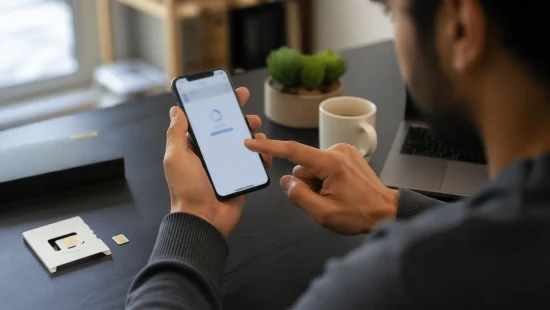
You can activate an Etisalat SIM in the UAE in several ways, depending on whether you have a prepaid SIM, postpaid SIM, tourist line, or eSIM. In 2026, the easiest option is usually the e& UAE app because it allows you to verify your identity and activate the SIM from your phone.
Most users activate their SIM by:
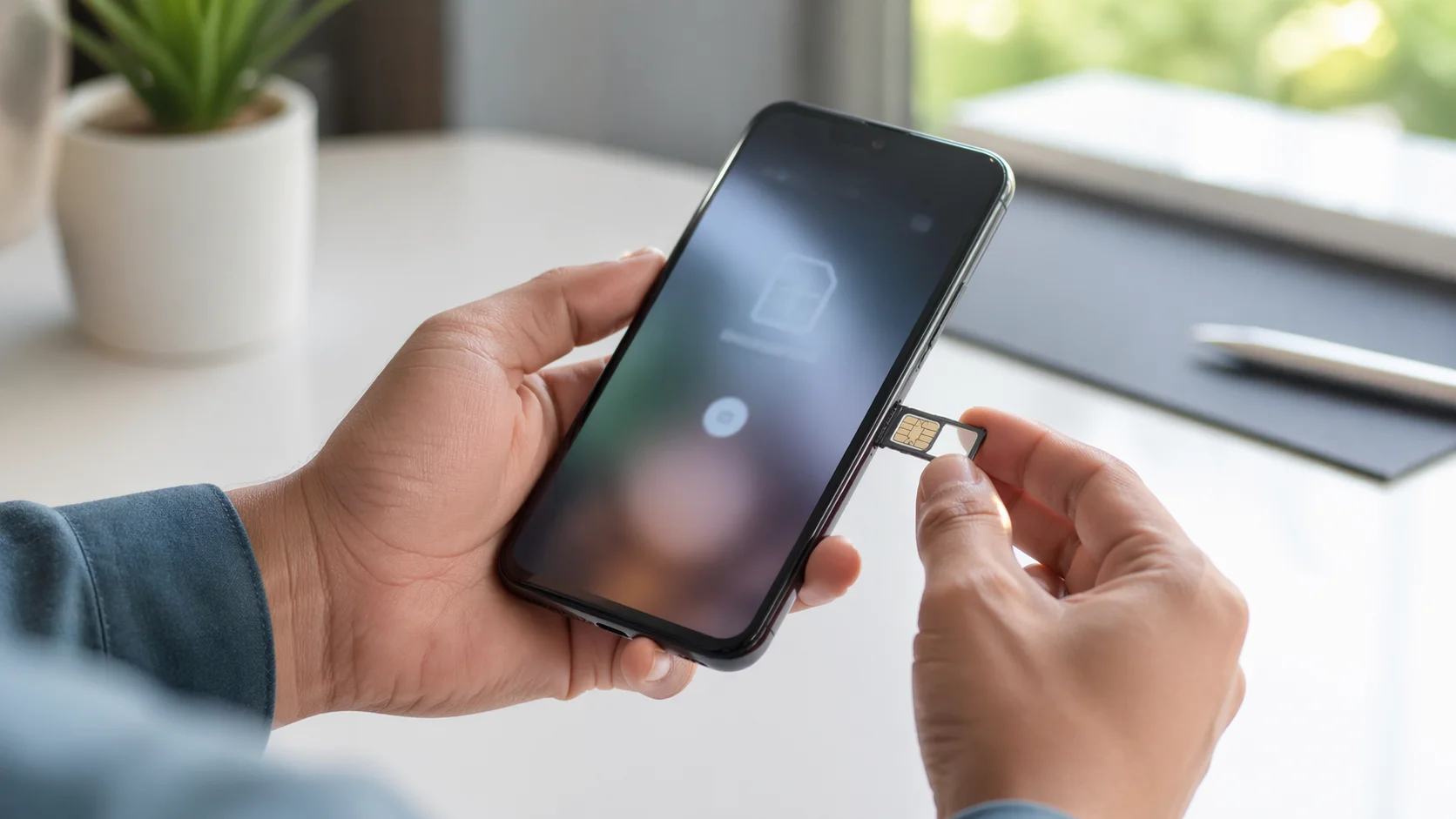
- Inserting the SIM card into the phone
- Completing Emirates ID verification
- Following the instructions through the app or USSD code
- Restarting the device after activation
You can also activate your line by:
- Dialling *101# for prepaid SIM guidance
- Calling 101 and speaking with customer support
- Visiting an e-store with your Emirates ID or passport
- Logging in to the e& UAE app using UAE PASS
The exact method depends on the type of line you purchased. A prepaid line usually activates immediately after verification. A postpaid line may require additional approval because it is linked to a monthly plan. Tourist SIMs normally require passport verification instead of an Emirates ID.
In 2026, Etisalat by e& still requires all mobile numbers to be registered under a valid identity document. If this verification is incomplete, the SIM will not activate, even if it is inserted correctly.
What Do You Need Before Activating Your Etisalat SIM?
Before you start the activation process, make sure you have everything ready. This avoids delays and reduces the chance of activation failure.
You normally need:
- A new Etisalat SIM card or eSIM request
- A valid Emirates ID if you are a UAE resident
- A passport if you are activating a tourist SIM
- A phone that supports Etisalat 4G or 5G service
- Internet access if you plan to use the e& UAE app
- UAE PASS if you want to activate digitally
If you are activating an eSIM, there are a few extra requirements:
- Your phone must support eSIM technology
- The device must be unlocked
- You must have the QR code sent by e& UAE
- Location access should be turned on
A simple way to check whether your phone supports eSIM is to dial *#06#. If you see an EID number listed with your IMEI, your device supports eSIM.
Residents and visitors follow slightly different rules. UAE residents must register with the Emirates ID. Visitors can activate a tourist line using their passport after arriving in the UAE. In 2026, most tourist eSIMs can also be activated after immigration by scanning a QR code and completing facial recognition.
How Do You Activate an Etisalat Prepaid or Postpaid SIM?
Activating a prepaid or postpaid Etisalat SIM follows a similar process, but there are a few important differences. Prepaid lines are faster to activate because they do not need billing approval. Postpaid lines can take longer because the account must first be approved.
How Do You Activate a Prepaid Etisalat SIM?
A prepaid Etisalat SIM is usually the fastest type to activate. In most cases, it works within minutes after you complete identity verification.
To activate your prepaid line:
- Insert the SIM into your phone
- Turn the phone on
- Dial *101# and follow the instructions
- Complete your Emirates ID or passport verification
- Wait for the confirmation message
After that, restart your phone. The network signal should appear automatically.
Many users in the UAE choose prepaid SIMs because they are easier to manage and do not require a monthly contract. They are also popular with visitors and short-term residents.
One customer explained the process clearly:
“I inserted the new SIM, dialed *101#, uploaded my Emirates ID in the app, and the line started working in less than ten minutes.”
This is the typical experience for most prepaid users in 2026.
If the signal still does not appear, try:
- Turning aeroplane mode on and off
- Reinserting the SIM
- Selecting the e& network manually
How Do You Activate a Postpaid Etisalat SIM?
A postpaid Etisalat SIM is linked to a monthly package, so there are a few more checks involved before it becomes active.
You can activate a postpaid line through:
- The e& UAE app
- Customer support
- An e& branch
The process usually includes:
- Inserting the SIM into the phone
- Logging into the e& UAE app
- Completing Emirates ID verification
- Confirming the selected postpaid package
- Waiting for approval
Unlike prepaid lines, postpaid SIMs may take anywhere from a few minutes to 24 hours to activate. This is because e& UAE needs to verify your account, payment details, and plan selection.
If you bought your postpaid line from an e& store, the representative may activate it immediately while you are there. However, if you ordered it online, you may need to wait for a text message confirming that your number is active.
A support representative recently told one customer,
“Postpaid numbers can take a little longer because the account has to be approved before the network is enabled.”
That is why waiting a few hours is normal.
How Can You Activate an Etisalat SIM Using the e& UAE App?
The e& UAE app is now the preferred way to activate a SIM in 2026 because it is faster and more convenient than visiting a branch.
First, download the app from the App Store or Google Play. Then log in with your Etisalat number or UAE PASS account.
Inside the app, choose the SIM activation option. Depending on your account, it may appear under:
- SIM Activation
- Manage Account
- My SIM Cards
Next:
- Enter your mobile number or SIM details
- Upload or confirm your Emirates ID
- Follow the instructions shown on the screen
- Restart your phone when the process finishes
The app is especially useful if you are switching from a physical SIM to an eSIM because it automatically generates the QR code you need.
Many people prefer this method because it avoids waiting in line at a store. In 2026, e& UAE will also use facial recognition and UAE PASS for additional security when activating certain numbers.
How Do You Activate an Etisalat eSIM?
An Etisalat eSIM is a digital SIM that works without a physical card. It is built into the phone and is especially useful if you want two numbers on one device or do not want to handle a physical SIM.
How Can You Request a New Etisalat eSIM?
You can request a new eSIM directly from the e& UAE app or from an e& store. Before starting, make sure your phone supports eSIM and that you are physically inside the UAE.
In 2026, you cannot request or activate a new Etisalat eSIM while outside the UAE.
To request a new eSIM:
- Open the e& UAE app
- Select SIM Activation
- Choose eSIM instead of a physical SIM
- Verify your identity through UAE PASS or Emirates ID
- Receive your QR code
The QR code is used to install the eSIM on your phone. Once you scan it, your number becomes active within a few minutes.
How Do You Convert a Physical Etisalat SIM to an eSIM?
If you already have an Etisalat SIM and want to change it to eSIM, you do not need a new number. Your existing number, plan, and balance stay the same.
Inside the e& UAE app:
- Go to My SIM Cards
- Select Replace SIM or Switch to eSIM
- Confirm the request
- Wait for the QR code
As soon as you confirm the switch, your physical SIM stops working.
An e-store states,
“Once you select this option, your physical SIM will be deactivated.”
That means you should only continue when you are ready to install the eSIM immediately.
How Do You Scan the Etisalat eSIM QR Code on Your Phone?
The last step is scanning the QR code. The process depends on your phone model.
For iPhone:
- Open Settings
- Go to Cellular
- Tap Add Cellular Plan
- Scan the QR code
For Samsung Galaxy:
- Open Settings
- Go to SIM Card Manager
- Tap Add Mobile Plan
- Scan the QR code
You may need to display the QR code on another phone, tablet, or computer because you cannot scan it from the same screen. After scanning, restart the phone.
One e& customer described it this way:
“I had to send the QR code to another device because the phone needed to scan it. After restarting, the eSIM connected in under five minutes.”
How Long Does It Take to Activate an Etisalat SIM?

Most Etisalat SIM activations are fast in 2026.
SIM Type Typical Activation Time
Prepaid SIM Instant to 10 minutes
Postpaid SIM A few minutes to 24 hours
eSIM 5 to 15 minutes
Replacement SIM Up to 24 hours
Activation may take longer if:
- Emirates ID verification is incomplete
- The device is not compatible
- The network is unavailable
- The SIM was not inserted correctly
For eSIM requests, you usually need to activate the QR code within 24 hours. If you wait longer, the request may expire and you will need to generate a new QR code.
Why Is Your Etisalat SIM Not Working After Activation?
Sometimes your SIM appears to activate, but the phone still does not connect to the network. This usually happens because of a simple technical issue.
Why Is Your Phone Not Detecting the Etisalat Network?
Your phone may not detect the network if aeroplane mode is on, the SIM is inserted incorrectly, or the network settings are automatic.
Try these steps:
- Restart the phone
- Remove and reinsert the SIM
- Turn aeroplane mode off
- Go to Mobile Networks and choose e& manually
If the e& network appears after manual selection, the issue is usually solved.
Why Has Your Etisalat SIM Not Been Registered Properly?
If your Emirates ID or passport was not verified correctly, the SIM may appear inactive even though it is inserted.
You should:
- Open the e& UAE app and confirm your identity
- Visit an e-store if the ID details are incorrect
- Check that your SIM is still valid
An old or unused prepaid SIM may also stop working after long inactivity.
Why Is Your Etisalat eSIM Still Not Working?
eSIM issues are usually related to the QR code or device compatibility.
Common reasons include:
- The QR code was scanned incorrectly
- The phone does not support eSIM
- The eSIM profile was interrupted during installation
- The QR code expired
Delete the existing eSIM profile, generate a new QR code, and try again. If that still does not work, contact 101 or visit an e& branch.
Conclusion
Activating an Etisalat SIM in the UAE is usually quick and straightforward in 2026. Most users can activate a prepaid SIM in minutes, while postpaid and eSIM lines may take a little longer because of verification requirements.
The e& UAE app is the easiest method because it allows you to verify your identity, activate your SIM, and even switch to eSIM without visiting a branch.
Before starting, make sure you have your Emirates ID, passport, or UAE PASS ready.
If the SIM still does not work after activation, simple fixes like restarting the phone, reinserting the SIM, or manually selecting the e& network often solve the problem. If not, customer support and e-stores are available to help you finish the process quickly.
FAQs
What happens if you do not activate your Etisalat SIM within a few days?
If you do not activate your new Etisalat SIM within the allowed period, the SIM may expire and become unusable. In that case, you may need to request a replacement SIM or buy a new one.
Can you use mobile data immediately after Etisalat SIM activation?
Yes, mobile data usually starts working immediately after the SIM is activated and the phone is restarted. If it does not, make sure mobile data is turned on and the correct APN settings are selected.
Do you need a UAE PASS to activate an Etisalat SIM?
No, UAE PASS is not always required, but it makes the digital activation process faster and easier. You can still activate your SIM using Emirates ID verification at an e& store or through customer support.
Can you transfer your existing Etisalat number to a new SIM?
Yes, you can keep your current number when replacing an old SIM or switching to an eSIM. Your existing balance, package, and tariff remain the same after the transfer.
What should you do if your eSIM QR code expires?
If your QR code expires before you scan it, you need to generate a new one through the e& UAE app or by visiting an e& store. The old QR code will no longer work once it has expired.
Can a locked phone prevent your Etisalat SIM from activating?
Yes, a locked phone may stop your Etisalat SIM or eSIM from working if the device only accepts another carrier. You need an unlocked phone to use an Etisalat SIM properly in the UAE.
Will factory resetting your phone remove your Etisalat eSIM?
Yes, a factory reset usually removes the eSIM profile from your device. After resetting the phone, you must request a new QR code and reactivate the eSIM again.