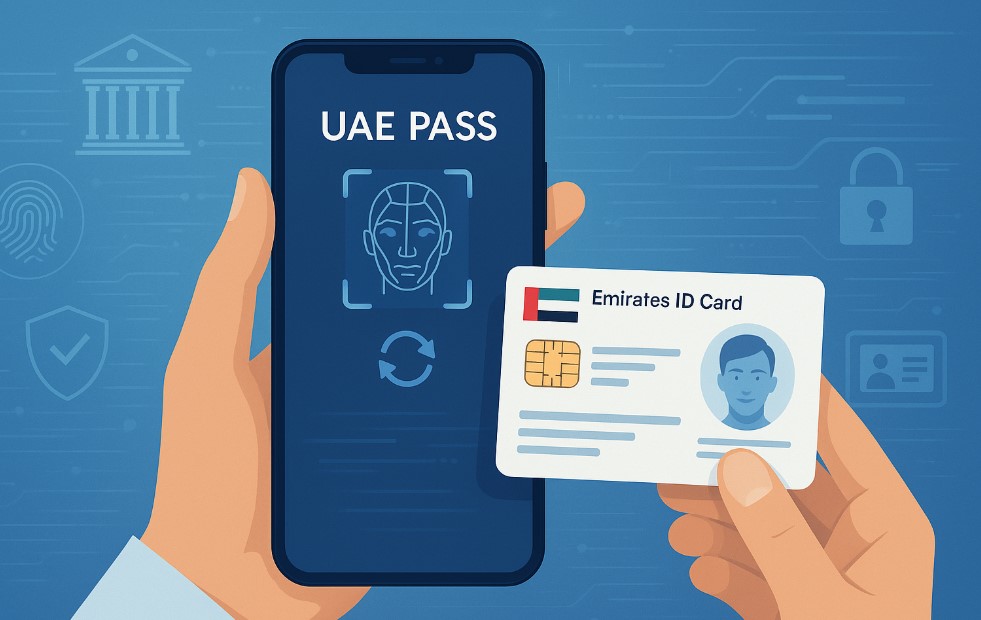
Keeping your digital identity accurate is essential in the UAE, especially when most government and private services are accessible through UAE Pass. But what happens when your Emirates ID details change?
Whether you’ve renewed your Emirates ID, updated your personal information, or encountered an issue, syncing the latest data with your UAE Pass is a must.
This blog walks you through a clear, concise, and practical approach to updating your Emirates ID in UAE Pass. From understanding the purpose of UAE Pass to following step-by-step instructions, we’ve got you covered. You’ll also learn when and why you should update your ID, potential problems you may face, and how to resolve them efficiently.
If you’re unsure where to start, this guide will help simplify the process and ensure your digital identity remains fully functional across all smart government platforms.
Why Is It Important to Update Your Emirates ID in UAE Pass?
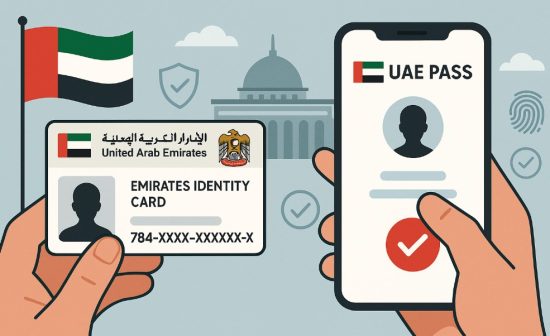
Your Emirates ID and UAE Pass work together as a digital gateway to the UAE’s vast network of e-services. Ensuring that the data on both platforms match is crucial for seamless access.
Here’s why updating your Emirates ID in UAE Pass matters:
- It ensures your profile remains accurate and current.
- It enables smooth access to government and private services.
- It helps avoid verification errors during online transactions.
- It reduces the need for manual documentation and physical visits.
Failure to sync your latest Emirates ID data can result in missed notifications, failed verifications, or rejected applications. For example, if you’ve changed your name or address and haven’t updated it in the UAE Pass, you may face issues when applying for visas, banking services, or tenancy contracts.
In summary, keeping your digital records aligned is not just a best practice but a requirement in today’s smart service-driven environment.
What Is UAE Pass and How Does It Work with Your Emirates ID?
UAE Pass is the national digital identity for citizens, residents, and visitors in the United Arab Emirates. It allows you to log in to government websites, sign documents digitally, and access a wide range of public and private sector services using your smartphone.
The Emirates ID plays a central role in the creation and authentication of your UAE Pass account. When you register, the system pulls your data from the Federal Authority for Identity and Citizenship (ICP), linking your identity to your mobile device securely.
This integration ensures that every time you use UAE Pass, your identity is verified against your Emirates ID record. Any changes to your ID, such as an address or name update, must be reflected in the app to maintain authentication accuracy. This tight coupling ensures data consistency and helps in providing quick, secure access across various platforms.
When Should You Update Your Emirates ID in UAE Pass?
Timely updates to your Emirates ID within UAE Pass are essential to avoid disruptions. Several situations may require you to refresh your data.
Key situations when you should update:
- After renewing your Emirates ID
- After legally changing your name
- If you update your nationality or marital status
- When your residency status changes
- Upon correcting personal information in the ID
Why does timing matter?
- Delays can cause authentication errors.
- Your updated ID may not be accepted on official platforms.
- Services like visa applications or tenancy contracts may get delayed.
By staying proactive and updating your Emirates ID details as soon as any changes occur, you ensure your UAE Pass remains valid, secure, and accepted across all platforms.
How to Update Emirates ID in UAE Pass Step-by-Step?
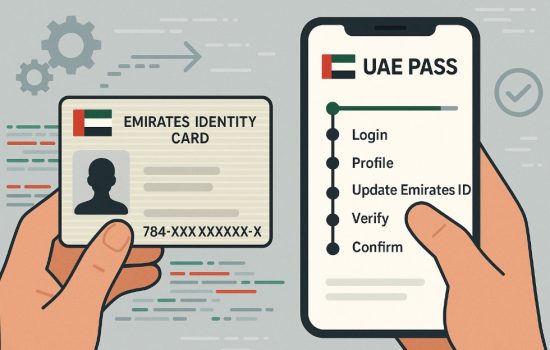
Keeping your Emirates ID updated in UAE Pass ensures smooth access to digital services. Whether you’re using the mobile app or a desktop browser, updating is simple and secure. Below are the steps for both platforms.
Using the UAE Pass Mobile App
Updating via the mobile app is quick and convenient. Just follow these steps:
- Open the UAE Pass App: Launch the app on your smartphone and ensure it is updated to the latest version.
- Log in with Your Credentials: Use your mobile number, email, or Emirates ID and enter your password or use biometric authentication.
- Go to Your Profile Section: Tap on the Profile icon at the bottom of the screen to view your personal information.
- Tap on ‘Update Emirates ID’ or ‘Sync Data’: Locate the option to update your Emirates ID. This triggers the system to fetch new data from ICP.
- Authenticate via Face Recognition or OTP: Complete the verification using face recognition or the OTP sent to your registered number. Once verified, your new Emirates ID information will be synced automatically.
Using the UAE Pass Website (www.uaepass.ae)
If you prefer a desktop experience, you can also update your Emirates ID via the official UAE Pass website.
- Visit www.uaepass.ae. Go to the official website using a secure browser.
- Click on ‘Login’ and Sign In: Log in using your UAE Pass credentials, such as your Emirates ID or mobile number, and confirm with an OTP.
- Access Your Account Dashboard: Once logged in, navigate to your profile settings from the dashboard.
- Click ‘Update Personal Info’ or ‘Sync Emirates ID’: Select the update option. The system will connect with the ICP database to retrieve your updated Emirates ID details.
- Complete Verification: Verify your identity via OTP or mobile authentication. Upon successful verification, your Emirates ID will be updated on the UAE Pass system.
Once you complete the sync through either method, always double-check your profile to ensure the new information has been applied correctly. This will help prevent service interruptions or authentication errors.
What If Your Emirates ID Doesn’t Update Automatically in UAE Pass?
Sometimes, even after following the steps, the Emirates ID update may not reflect immediately in the UAE Pass app. This can happen due to system lags, network issues, or data mismatches.
If the update fails, first ensure your Emirates ID has been successfully renewed and that your personal information is correct with the Federal Authority for Identity and Citizenship. Then, try to log out and log back into the UAE Pass app. In some cases, clearing the app cache or reinstalling it might help refresh the sync.
If issues persist, use the Help or Support feature within the app to raise a request. You can also contact UAE Pass customer service directly via their website www.uaepass.ae or visit an accredited service center for in-person support, or call 600 561111.
Remember, system delays are normal but should not take more than 24 to 48 hours in most cases.
What Are the Benefits of Keeping Your UAE Pass Profile Updated?
Keeping your UAE Pass synchronized with your Emirates ID offers a range of practical and security-related benefits.
Key Benefits:
- Faster and smoother access to e-government portals
- Secure identity verification for online transactions
- Reduced chances of login errors and service rejections
- Access to updated and personalized digital services
Comparison Table: Updated vs. Outdated UAE Pass
| Feature | Updated UAE Pass | Outdated UAE Pass |
| Government Service Access | Seamless | Interrupted |
| Online Verification | Fast & Accurate | Delayed or Failed |
| Document Signing | Enabled | Restricted |
| Notifications | Timely | Missed or Delayed |
| Identity Consistency | Accurate | Mismatched |
Updating your profile keeps you connected to all services and eliminates unnecessary delays.
Are There Any Risks of Not Updating Emirates ID in UAE Pass?
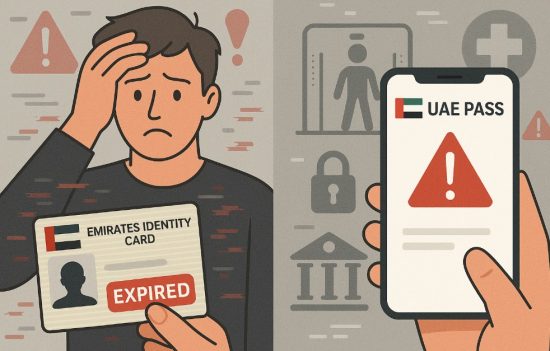
Neglecting to update your Emirates ID in the UAE Pass can result in various issues that affect your daily interactions with government and private sector platforms.
Potential risks include:
- Delayed or denied access to essential services
- Mismatched records across systems
- Identity verification failures
- Missed legal or residency deadlines
- Ineligibility for online applications
While the UAE’s digital ecosystem is built for convenience, it heavily relies on data accuracy. An outdated profile compromises this efficiency, potentially leading to unwanted disruptions in your service experience or legal documentation.
Make it a priority to sync your Emirates ID changes to avoid complications.
Useful Tips for Managing Your UAE Pass and Emirates ID Integration
Managing your digital identity effectively ensures that you stay ahead of any system inconsistencies. Consider these expert tips to make your experience smoother.
Tips to follow:
- Regularly open the UAE Pass app to check for pending updates
- Always use the latest version of the UAE Pass application
- Verify face recognition settings after any mobile device changes
- Avoid using public Wi-Fi when accessing sensitive information
- Ensure your Emirates ID is renewed before it expires
These proactive measures not only help maintain an accurate profile but also improve your digital security across various platforms.
Stay vigilant, and your UAE Pass experience will remain seamless and reliable.
Conclusion
Updating your Emirates ID in UAE Pass may seem like a minor task, but it’s a crucial part of maintaining a functional digital identity in the UAE. Whether you’re accessing government services, signing documents, or verifying your identity, an up-to-date profile ensures a hassle-free experience.
From this guide, you’ve learned when and why to update your Emirates ID, how to do it step by step, and how to fix issues if they arise. Keeping your information current prevents disruptions and aligns your digital records across essential platforms.
Take a few minutes today to review your UAE Pass profile. It’s a small step that goes a long way in staying connected to the UAE’s digital infrastructure.
FAQs
Can I update my Emirates ID in UAE Pass without visiting a service center?
Yes, the update process is fully digital and can be done through the UAE Pass mobile app.
How long does it take for changes to reflect in UAE Pass?
Typically, changes are reflected immediately or within 24 hours. In rare cases, it may take up to 48 hours.
Is face recognition mandatory for updating the Emirates ID in UAE Pass?
Yes, face recognition is used to authenticate your identity before syncing new information.
Will I lose access to government services if my Emirates ID isn’t updated?
You may experience limited access or service denials until your profile is updated.
What kind of personal info can I change through UAE Pass?
You can update synced data like name, photo, and nationality if these are changed in your Emirates ID.
Can I link multiple Emirates IDs to one UAE Pass account?
No, one UAE Pass account is linked to one Emirates ID per individual for security purposes.